Requesting Histopathology Reports via eDoctor
This guide will help you efficiently request histopathology reports using the eDoctor platform. This feature allowsis youespecially touseful requestfor anypatients histopathologytransitioning reports.between Thismedical centers, ensuring their medical history is usefulreadily onceaccessible. patientsMost movingrequests aroundare among medical centers. The request could be actionedprocessed within 1-3 minutes. Below the instruction
-
OpenAccesseDoctoreDoctor:bythis link as below - Visit: https://edoctor.linkfinity.com.au/.
PleaseCreate clicka New Request:
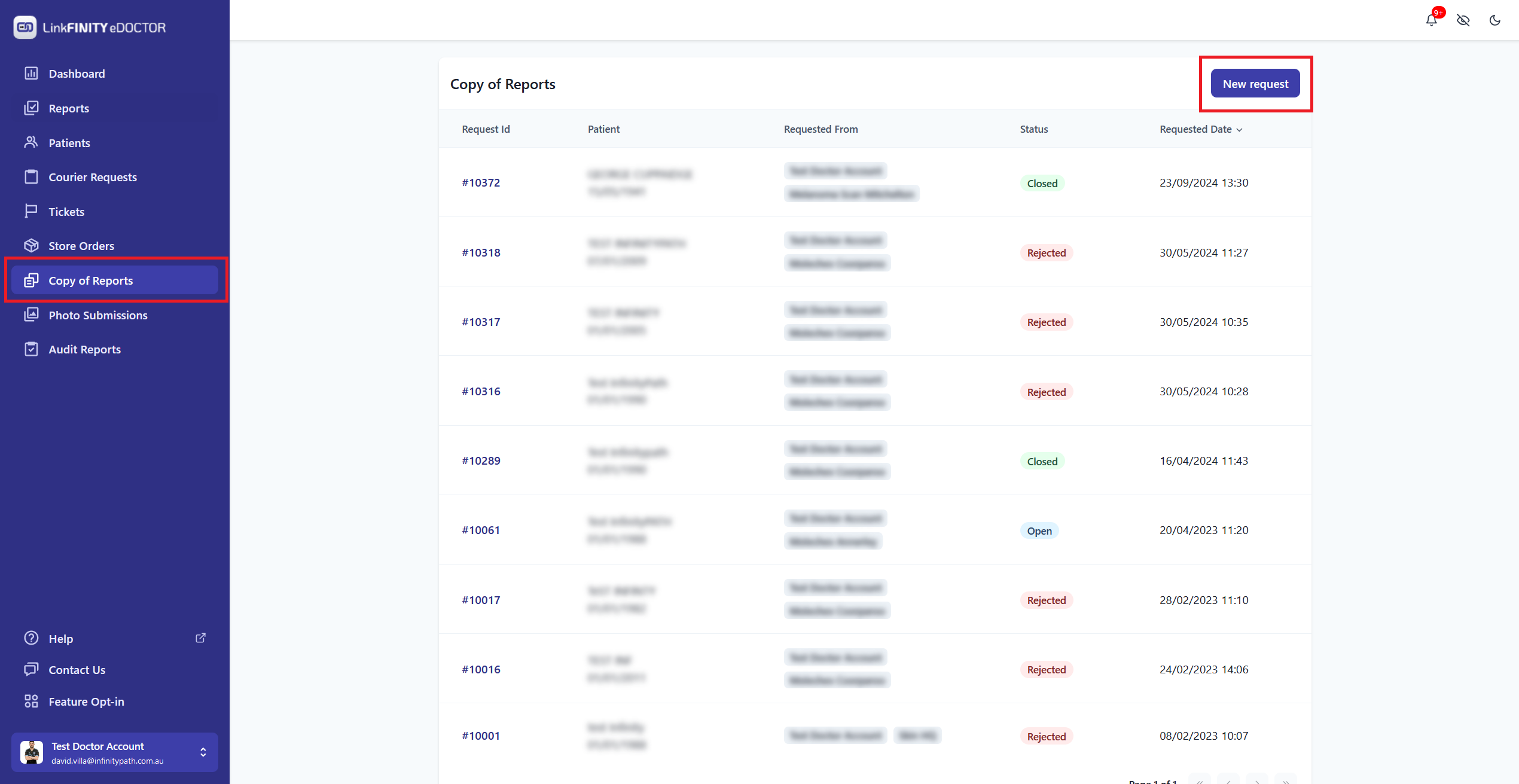
ThenfillFill in the Required Information:- Enter patient
detailsdetails: First Name anddoctorLastname/locationName.
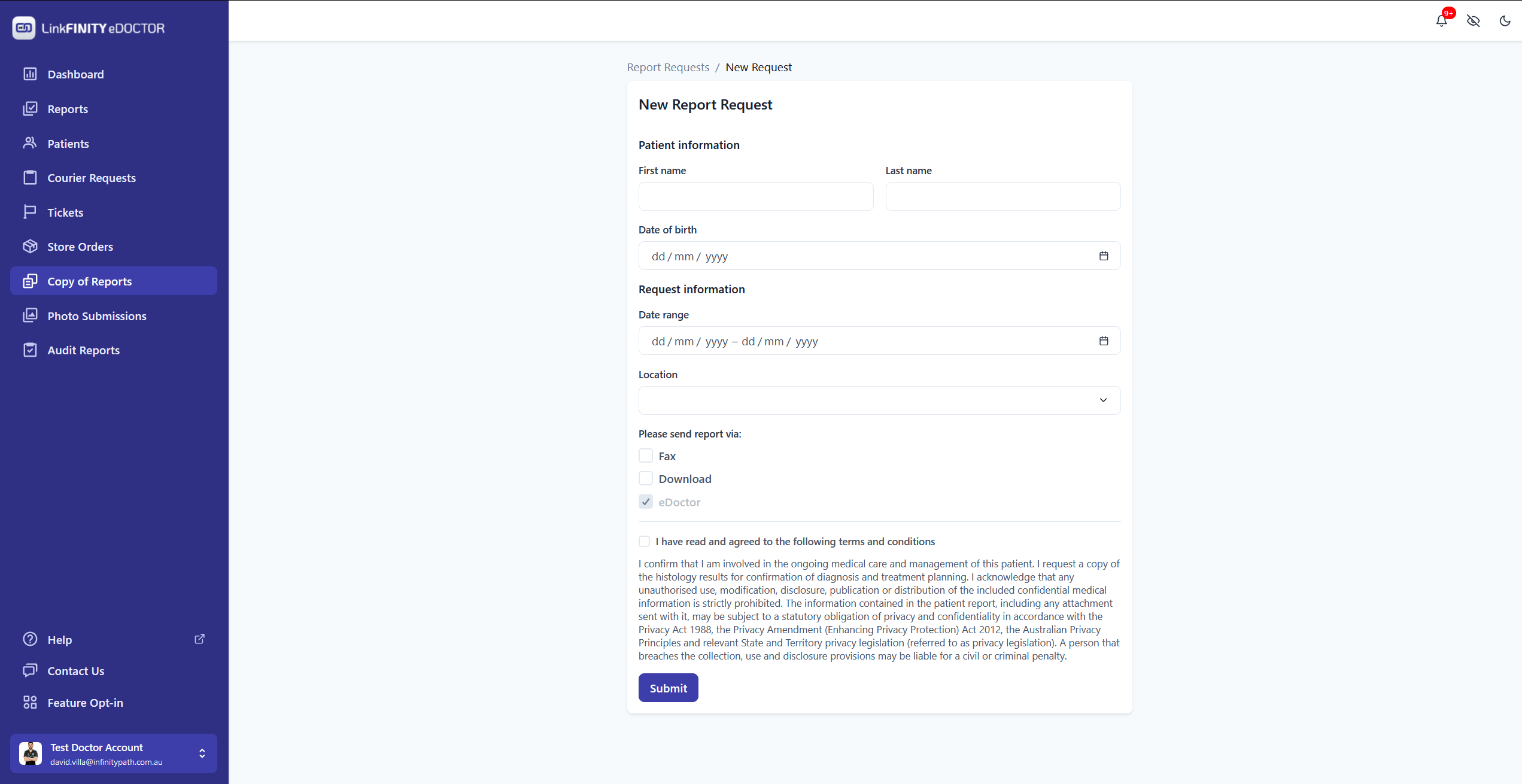
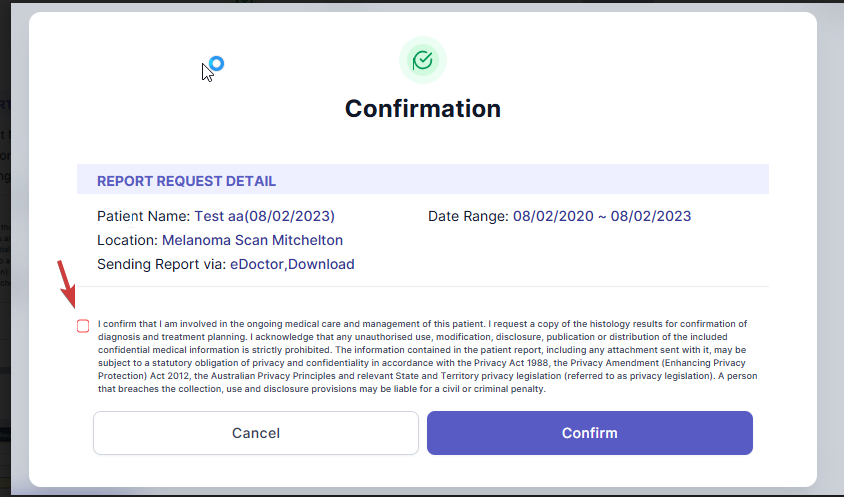
ThenHitSubmit"Agree"Your Request:- Read and
clickagree toConfirmthe terms and conditions.