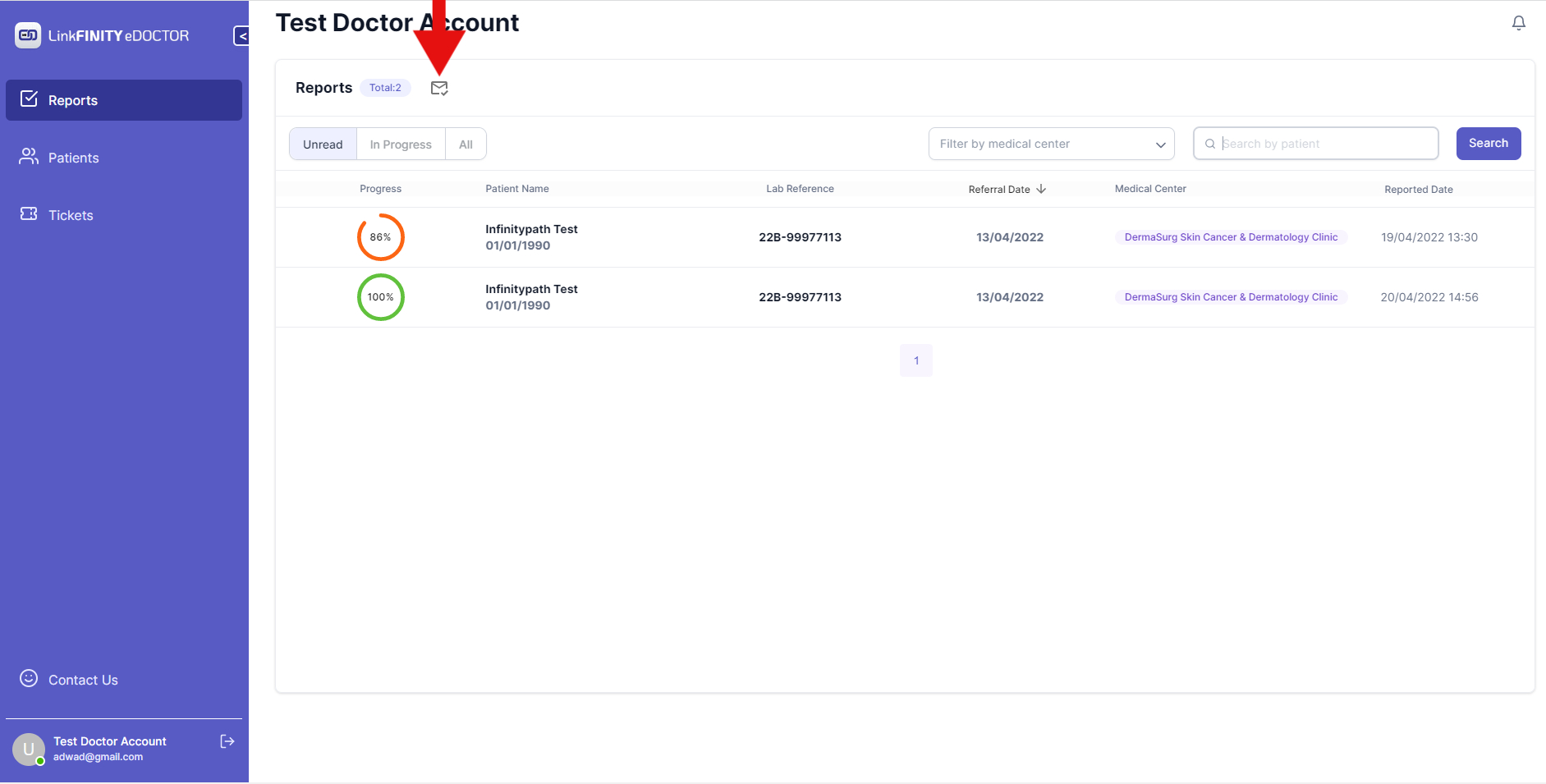
Mark All Reports as Read
Open the Menu: Look for the three vertical dots icon "..." near the search bar on the right-hand side of the Reports section, and click on it. Select "Mark all as read": From the dropdown menu, choose the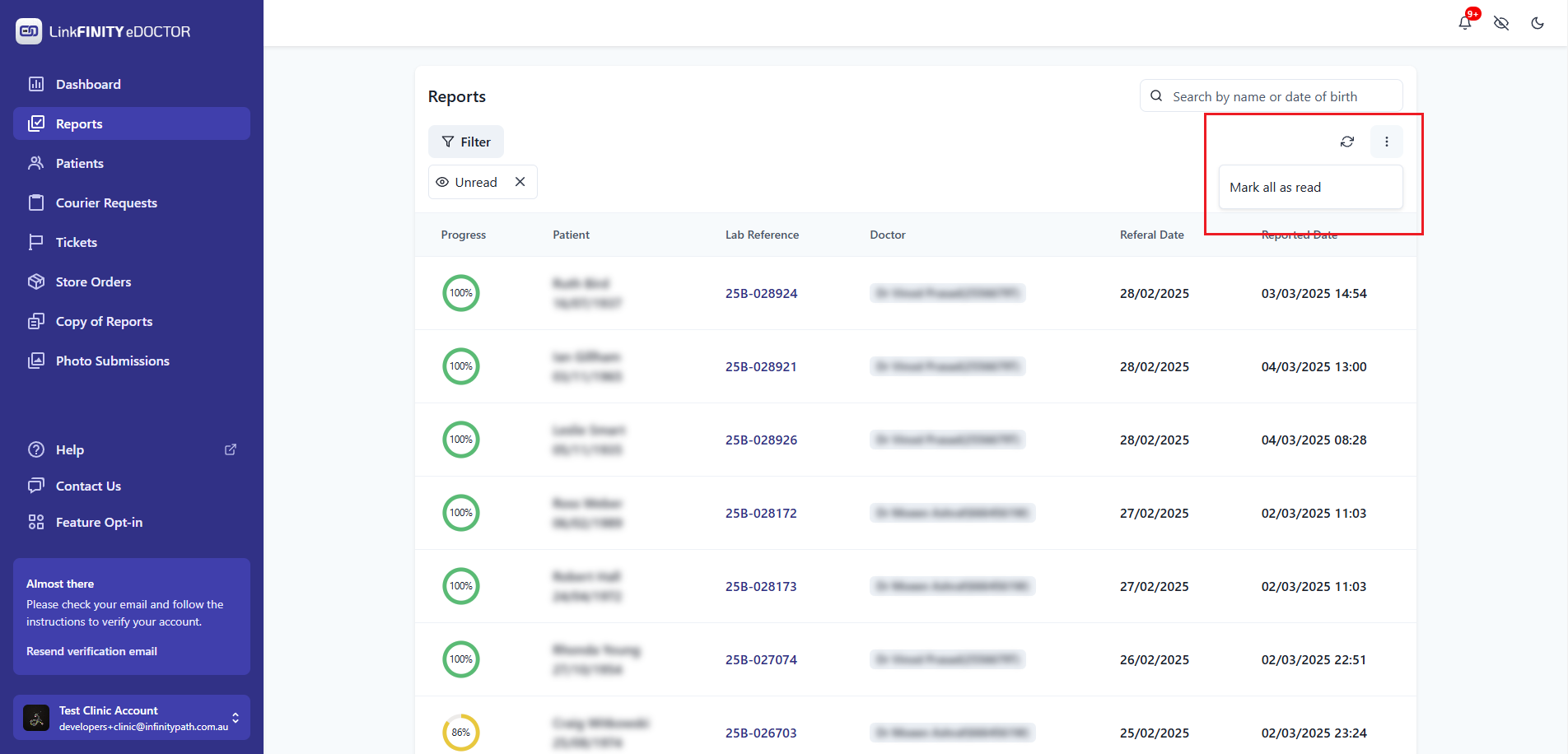
2. Click on the Mail button