Skip to main content
eDoctor
View All
Search
Shelves
Books
Log in
Info
Content
How to create pick up ...
Page Revisions
Revision #29 Changes
How to create pick up request (Specimen ready for collection)
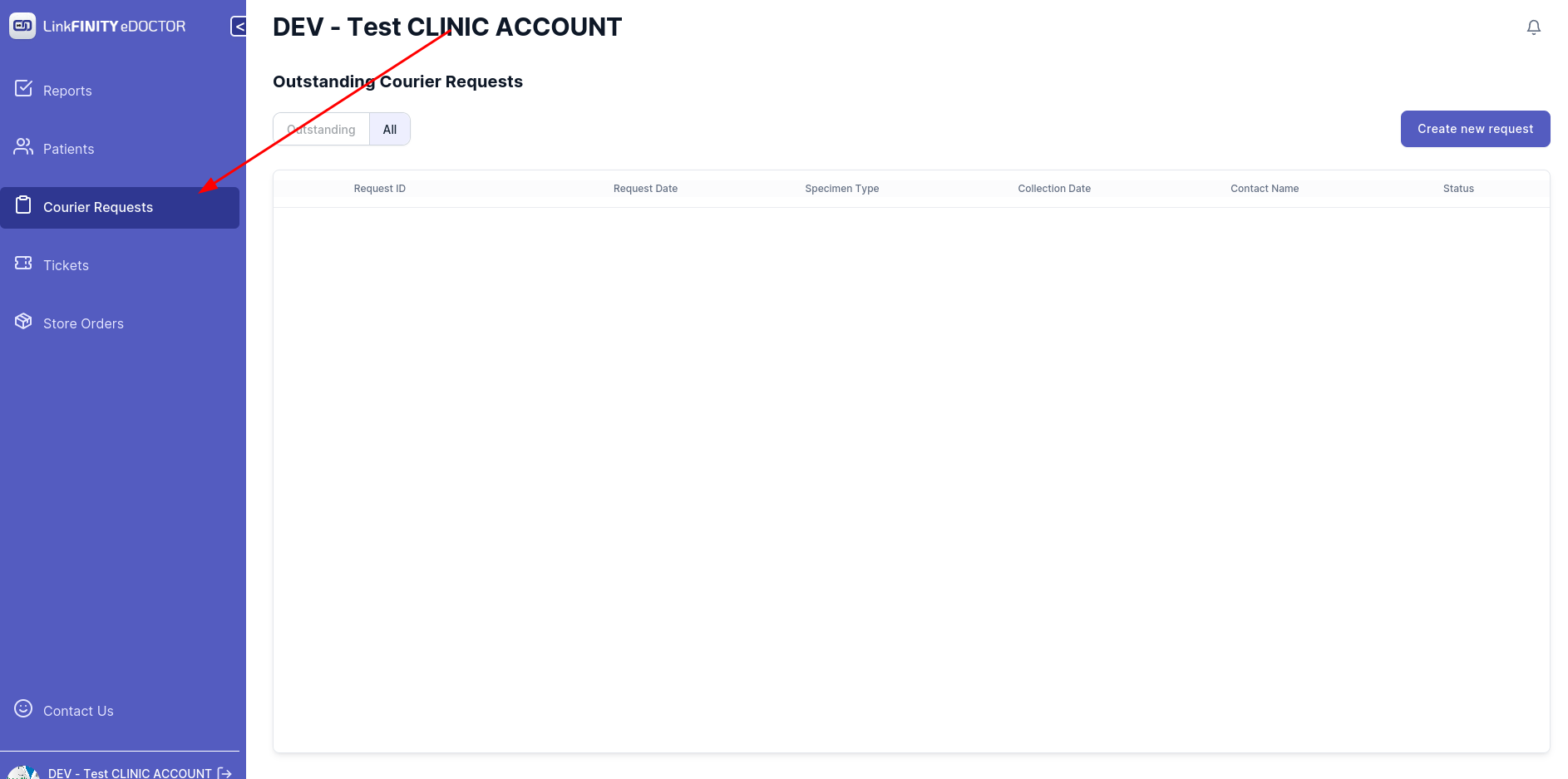
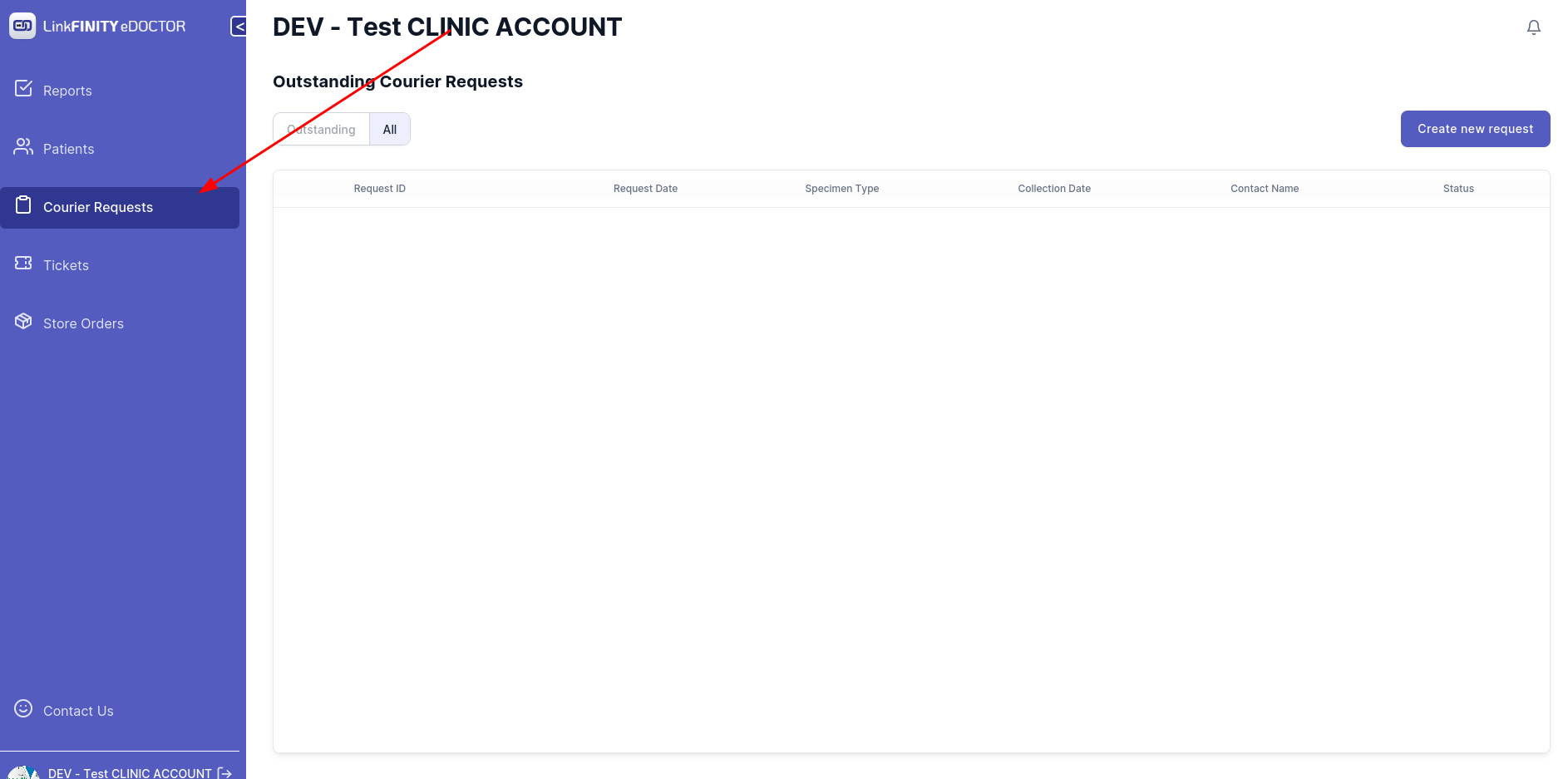
Navigate to Courier Request tab
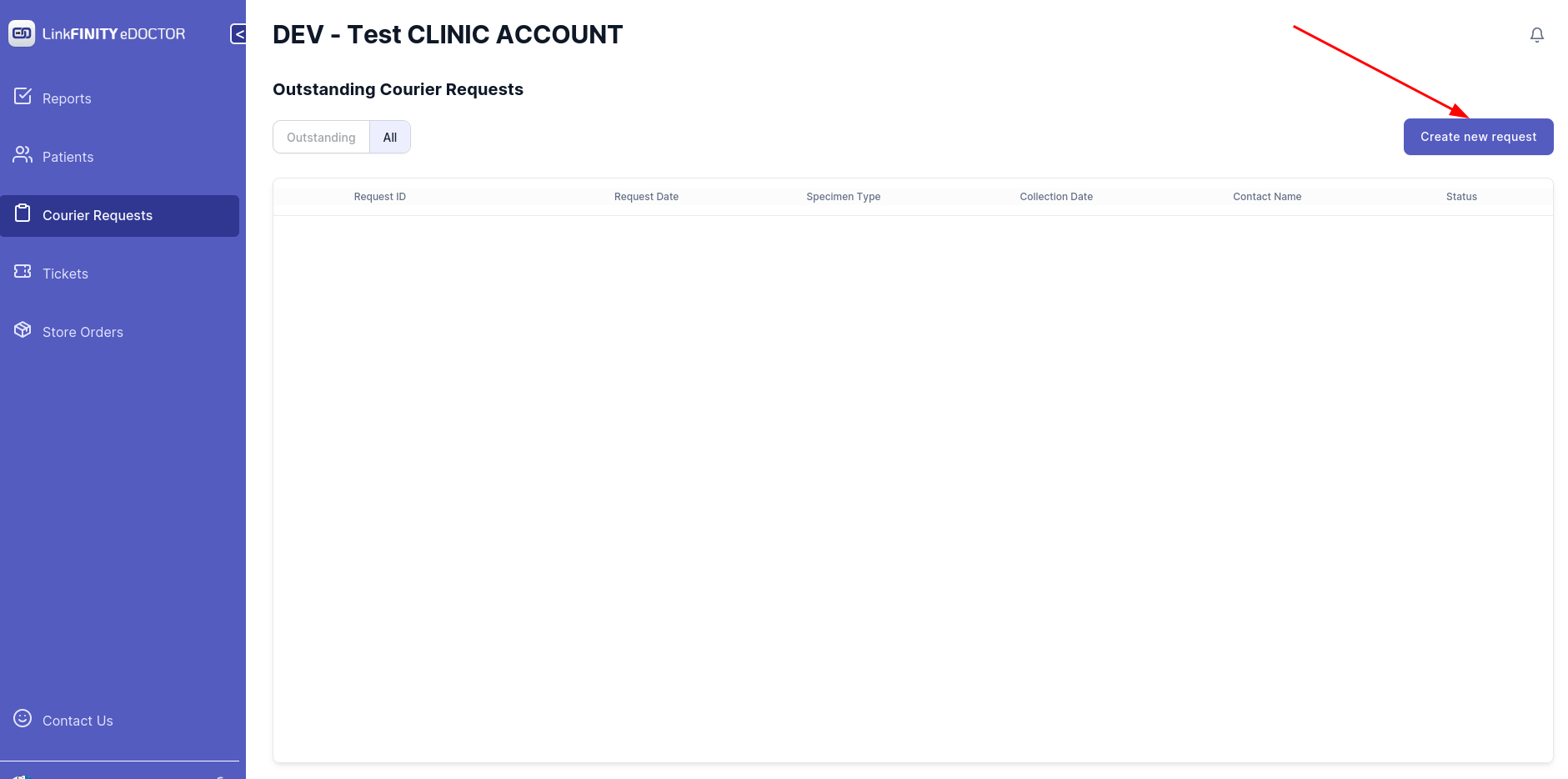
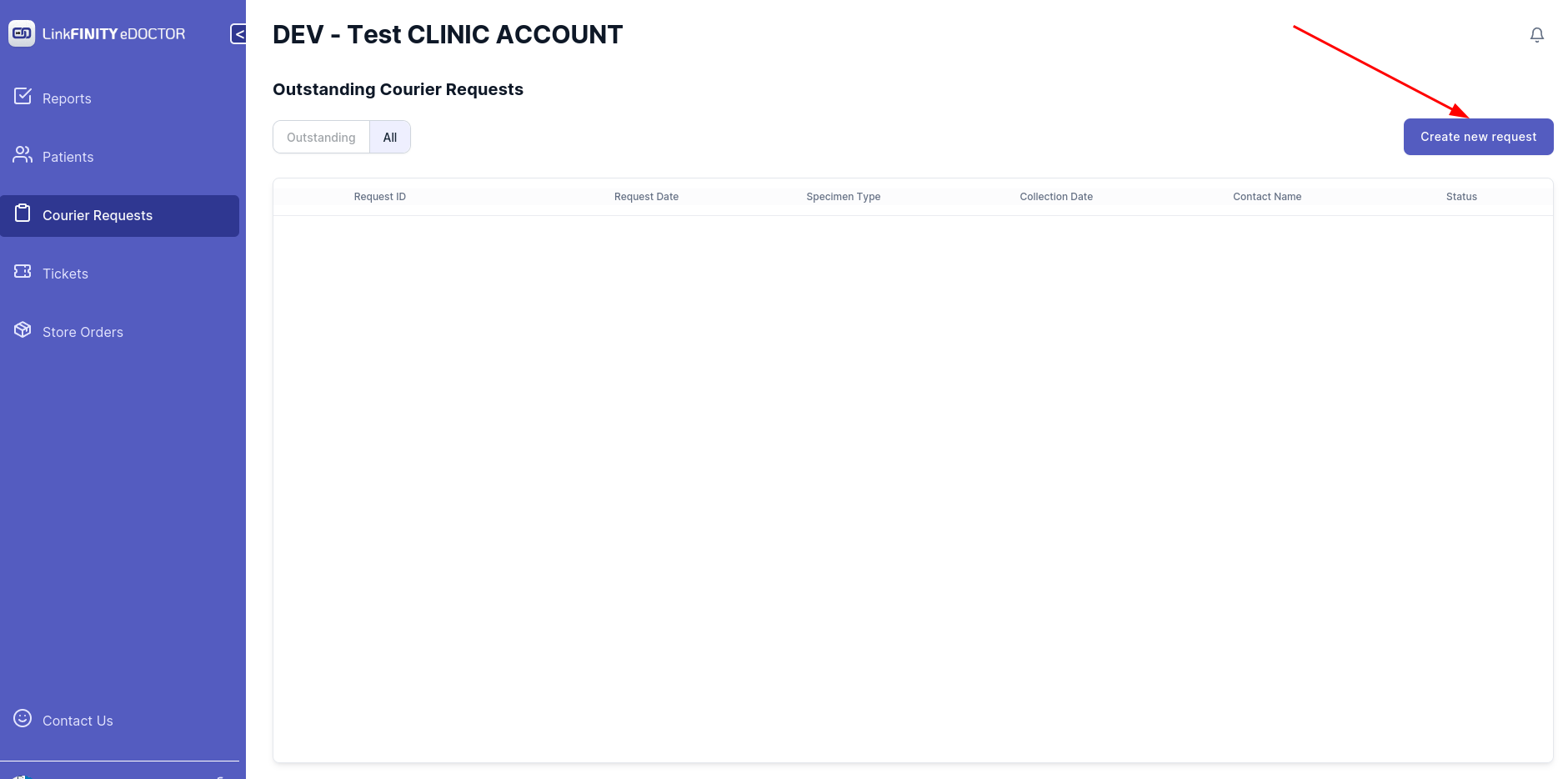
Click on `Create New Request` tab
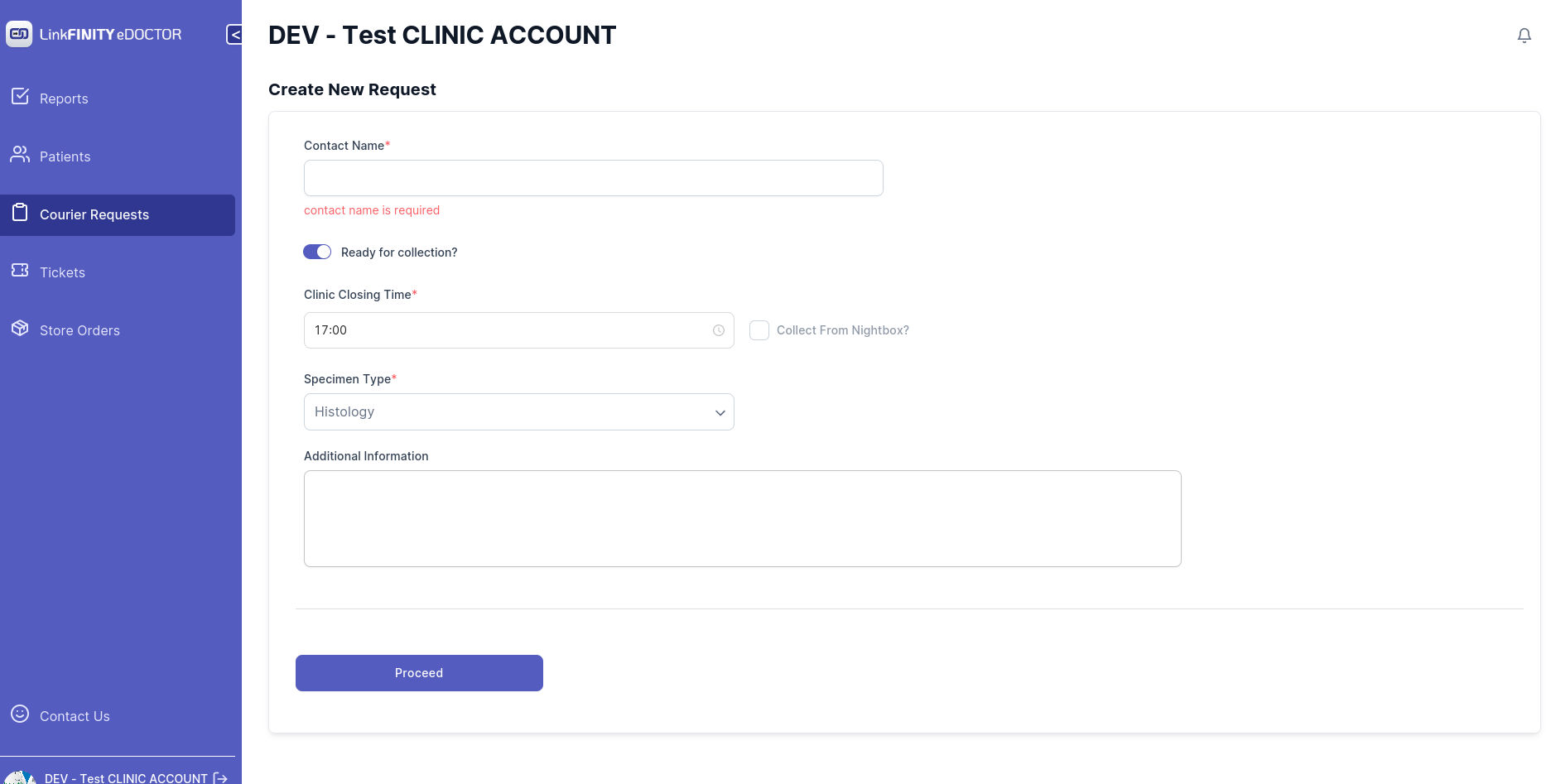
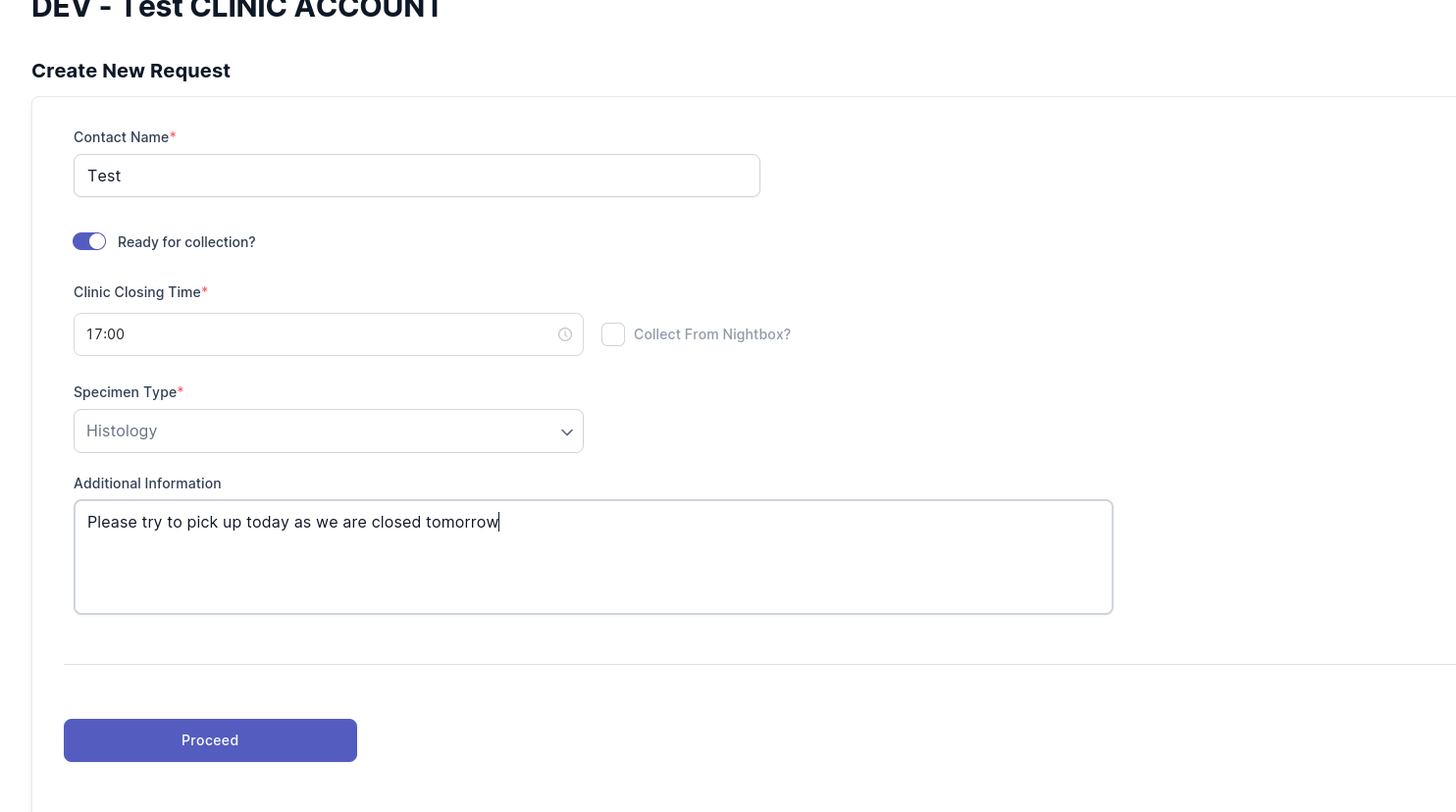
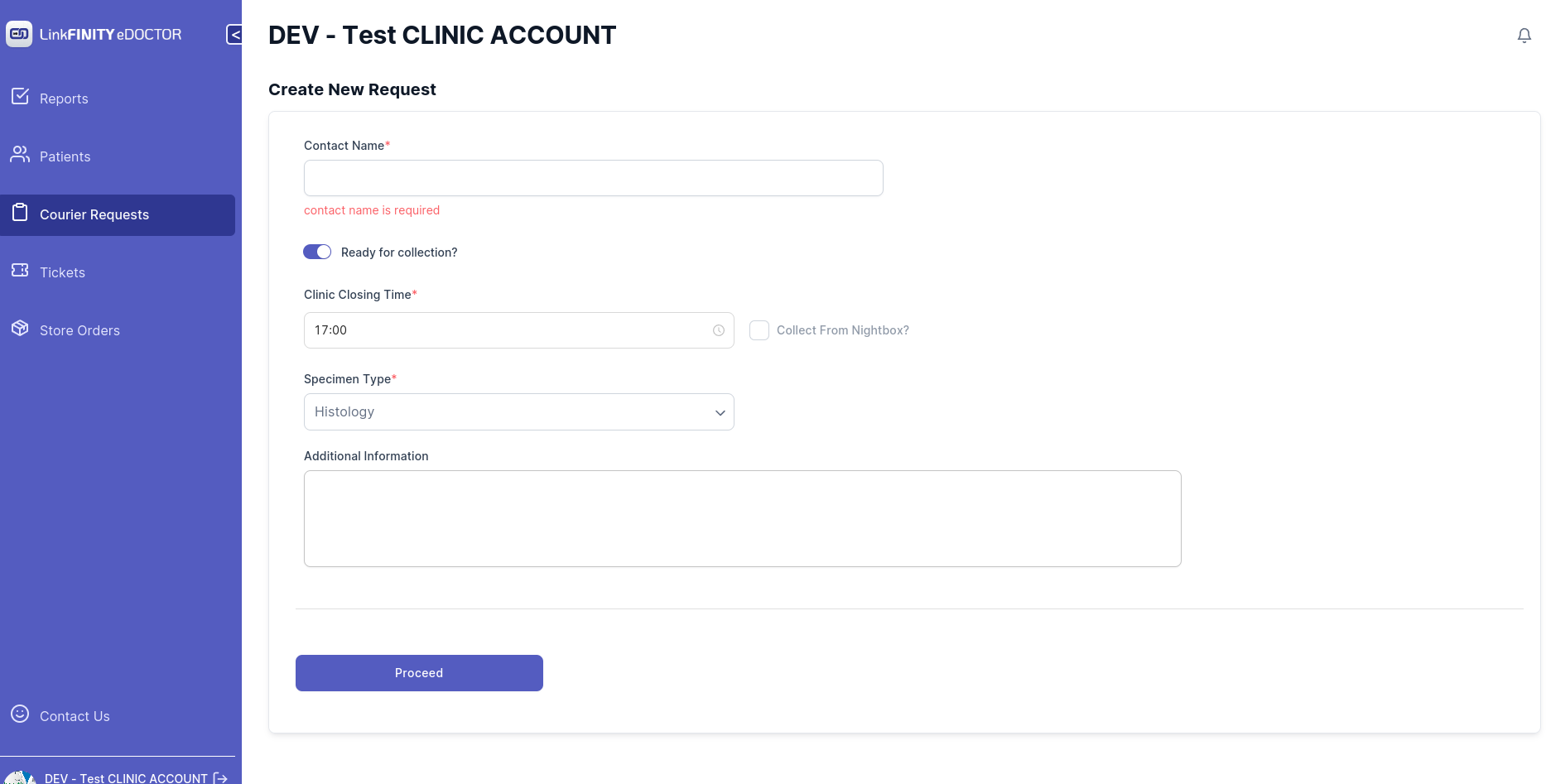
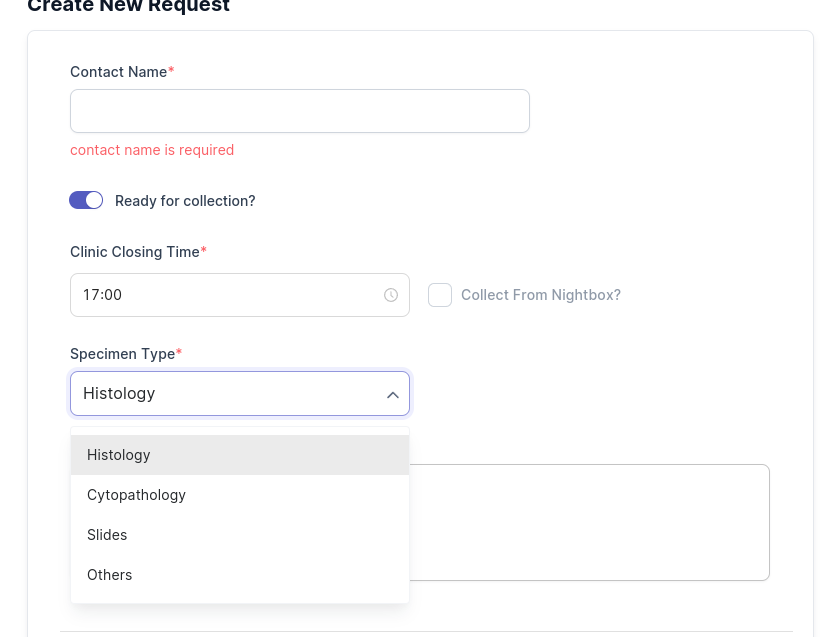
Below page should show up
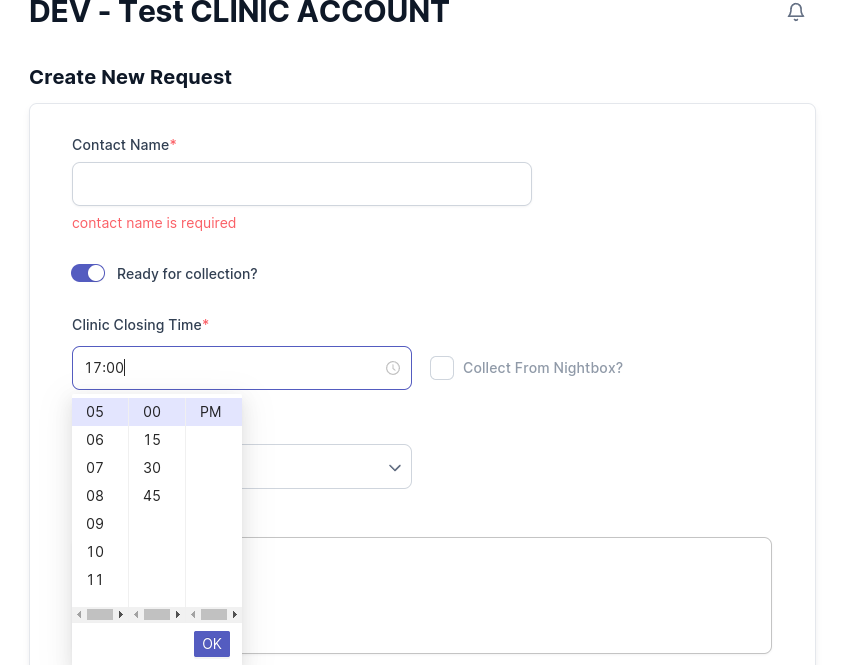
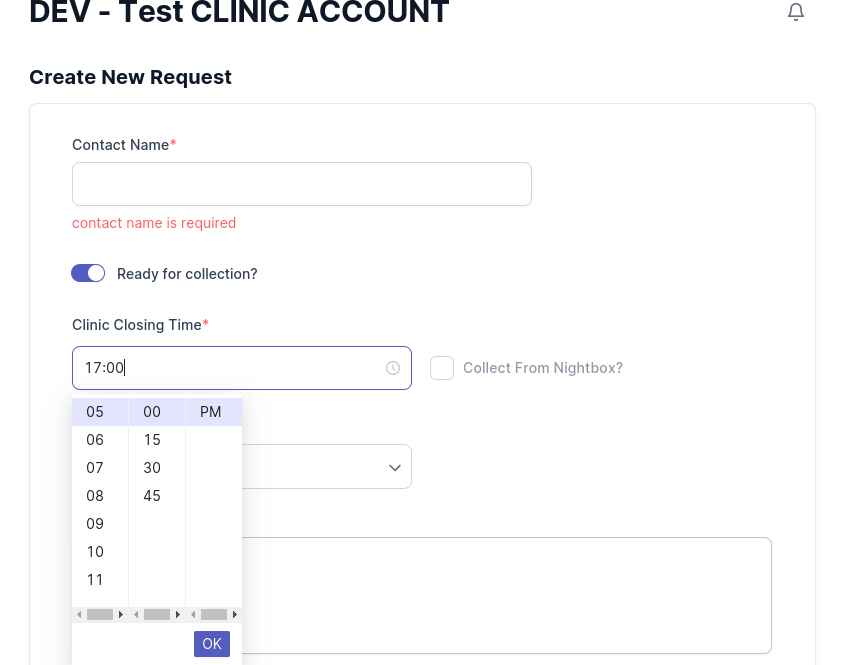
Select your clinic closing time
Select your specimen type
Add any additional information if needed
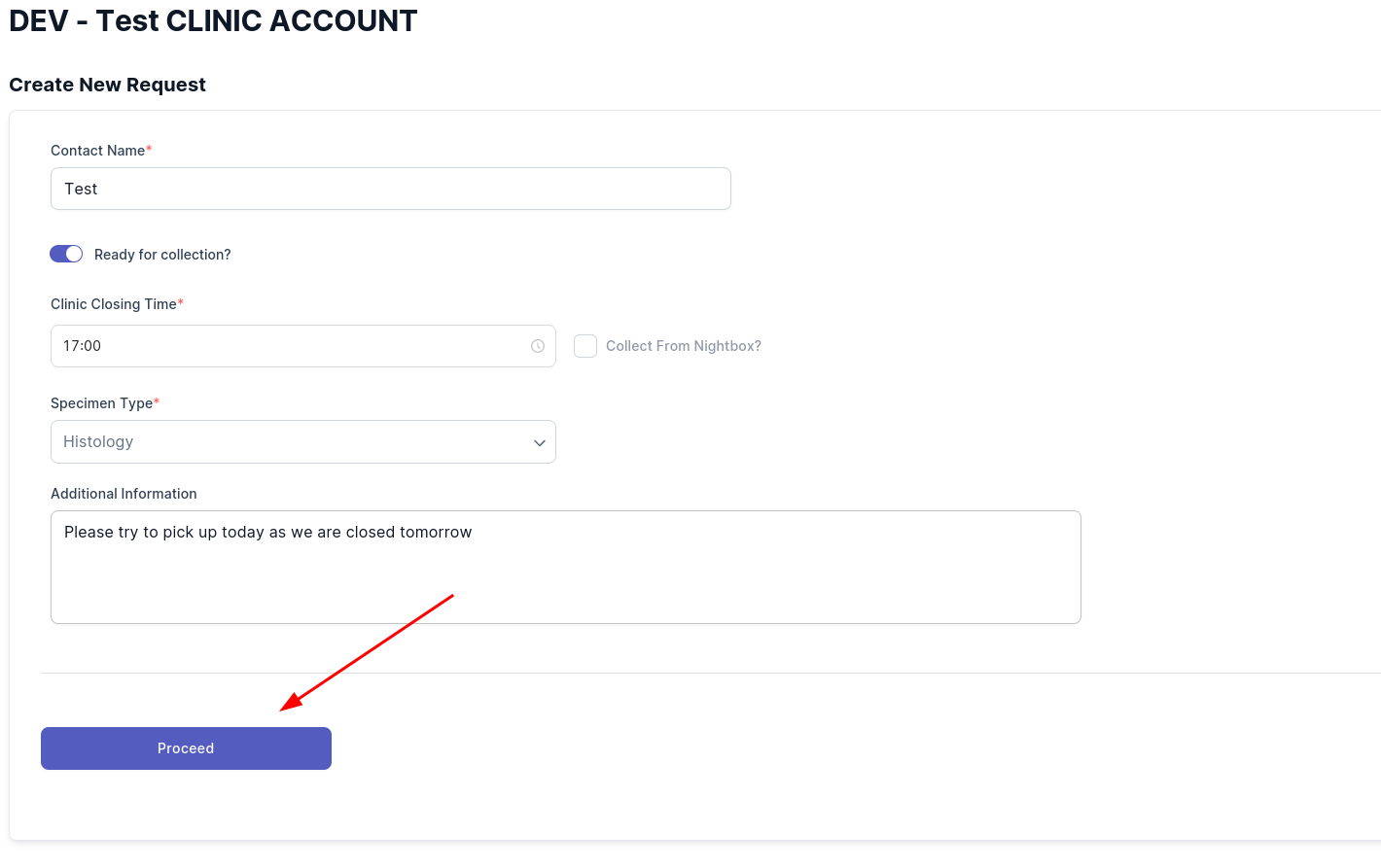
Click on the `Proceed` button
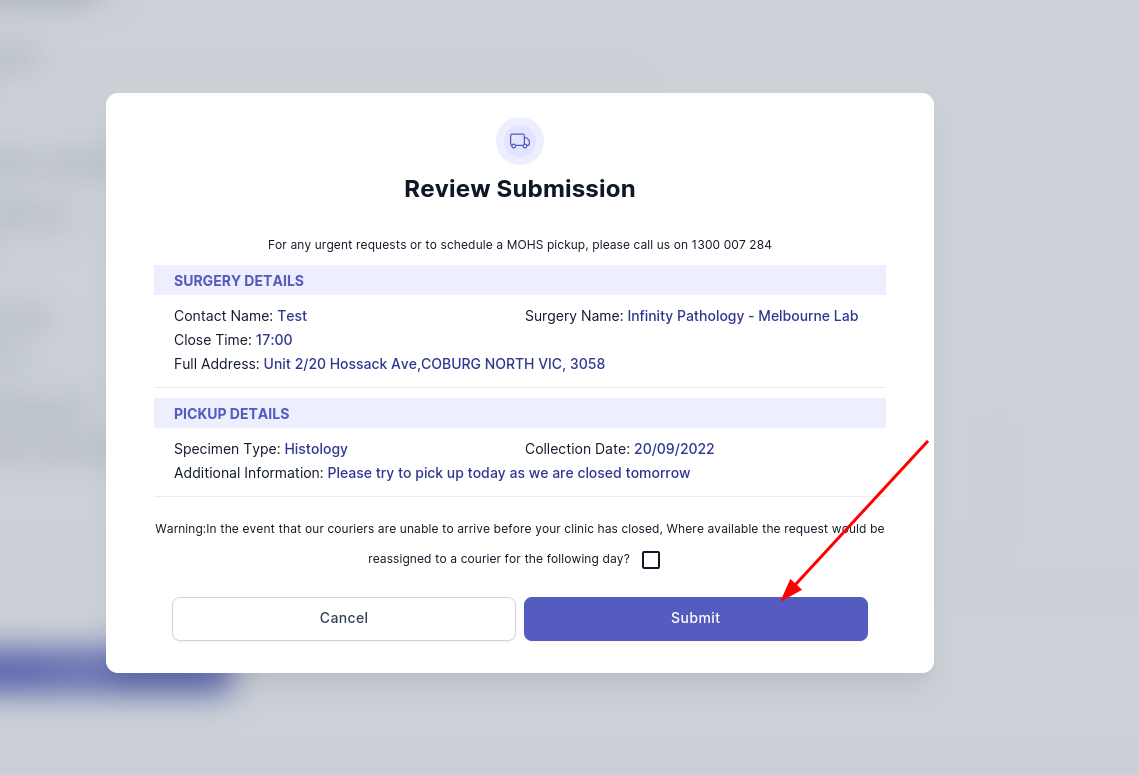
Click on submit button
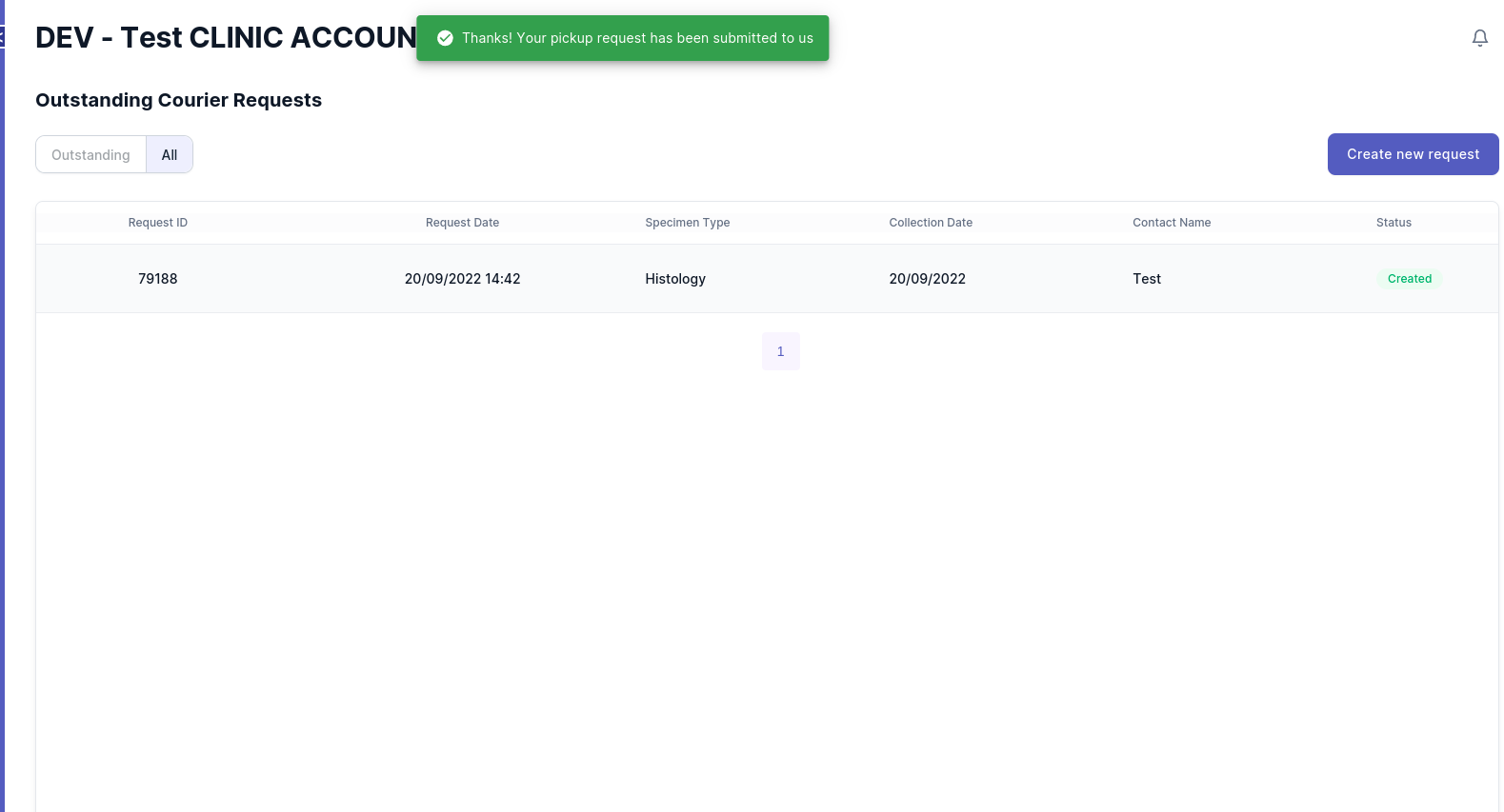
If you received this message, the pick up request has been submitted successfully
if you encountered a problem. please send a email to
eDoctor@linkfinity.com.au
for support.
Back to top