Upload Clinical Photos
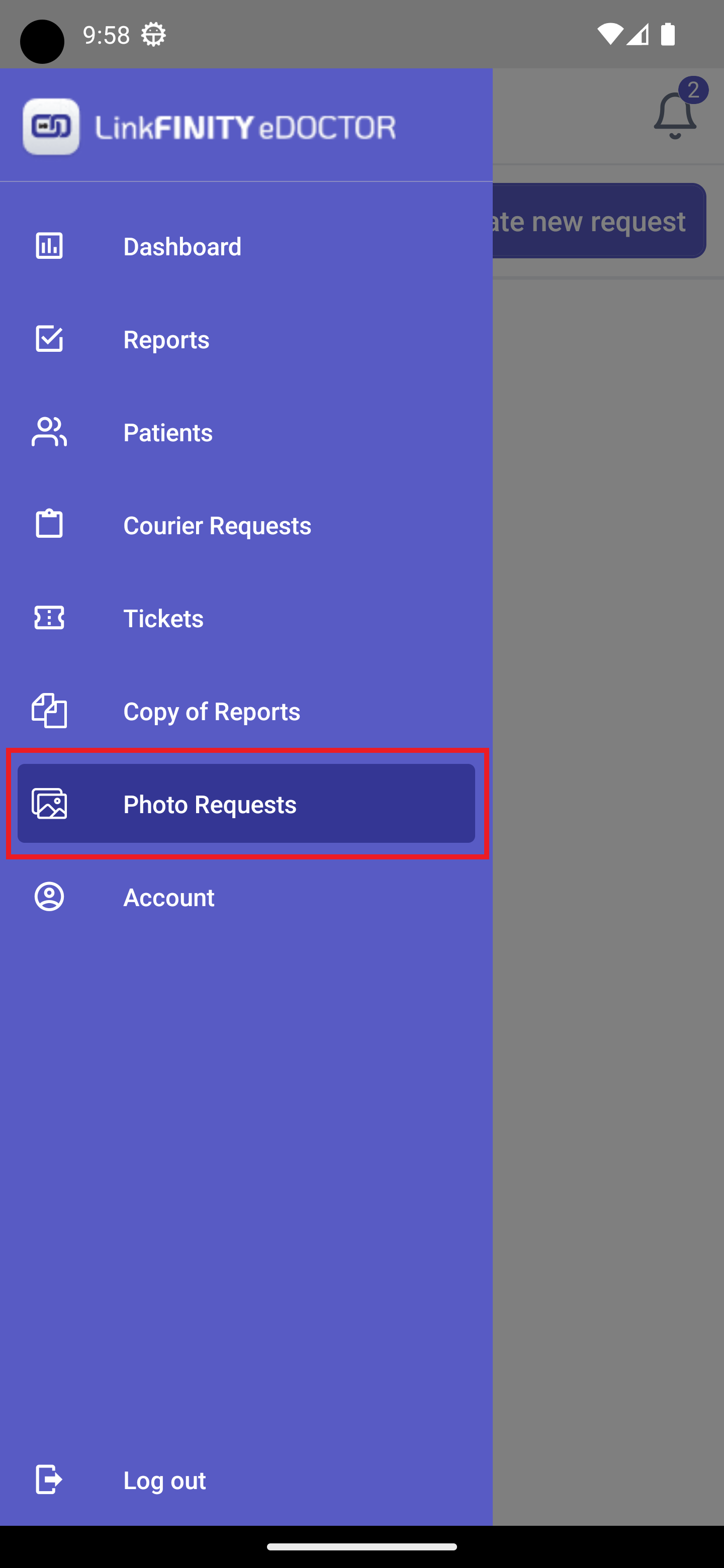
1.Go Fromto Photo Submissions: In the eDoctorleft mobilesidebar app,menu, selectclick on "Photo RequestsSubmissions".
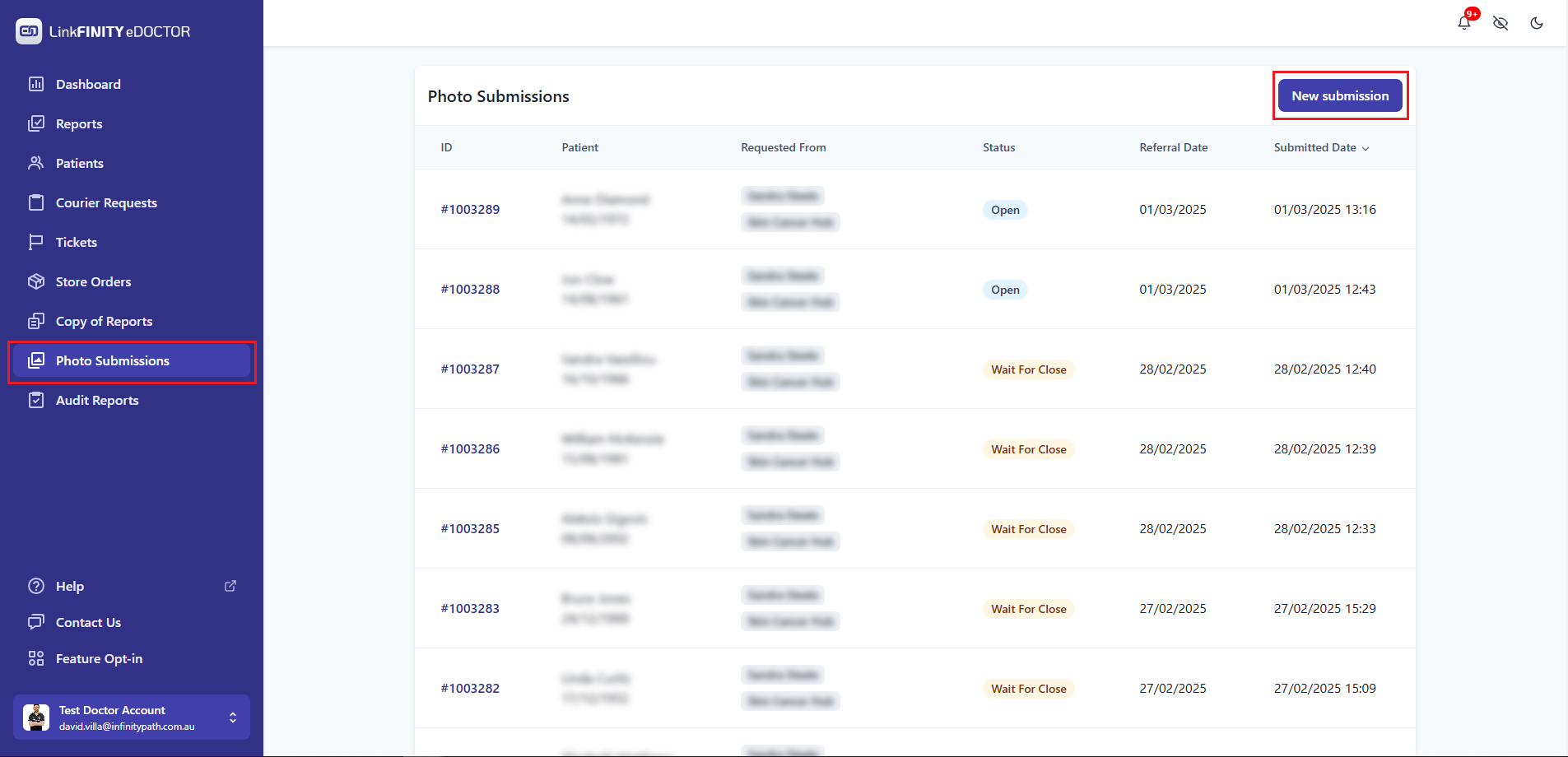
2.Start Selecta New Submission: Click the button"New Createsubmission" newbutton, requestfound atin the topupper-right area of the screenPhoto Submissions page.

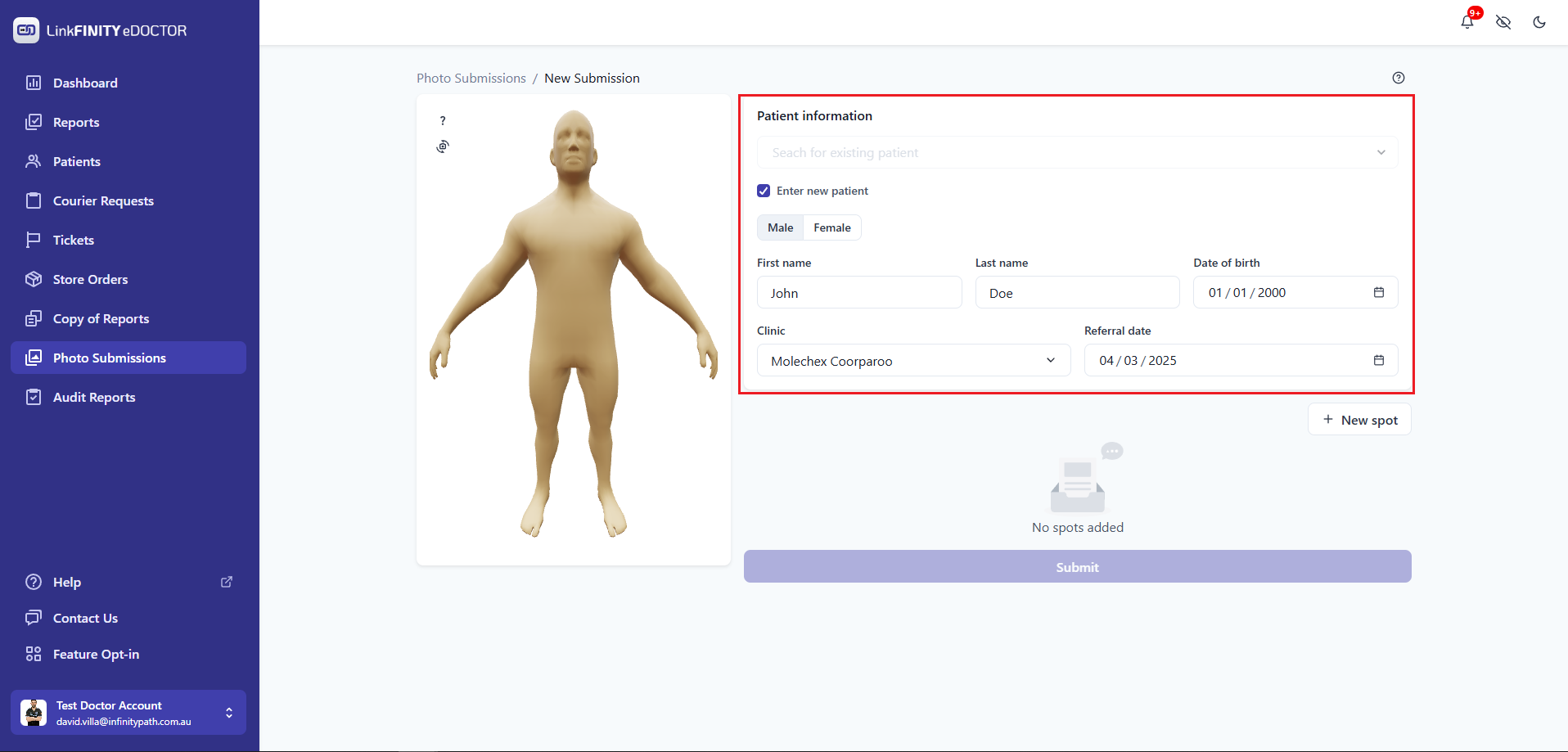
3.Enter YouPatient willInformation:
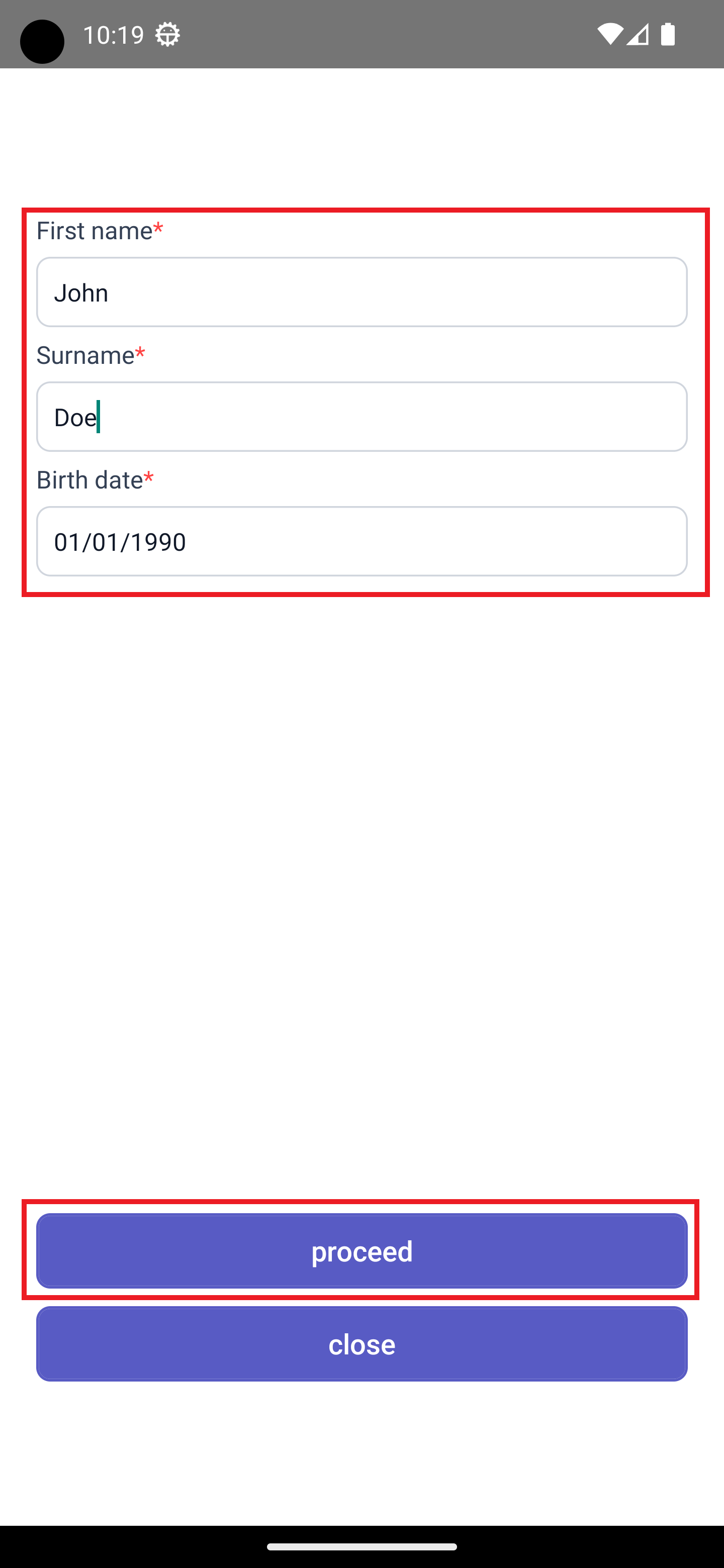
4. Inchoose the "Enter new screen,patient" selectradio abutton site(Male/Female).
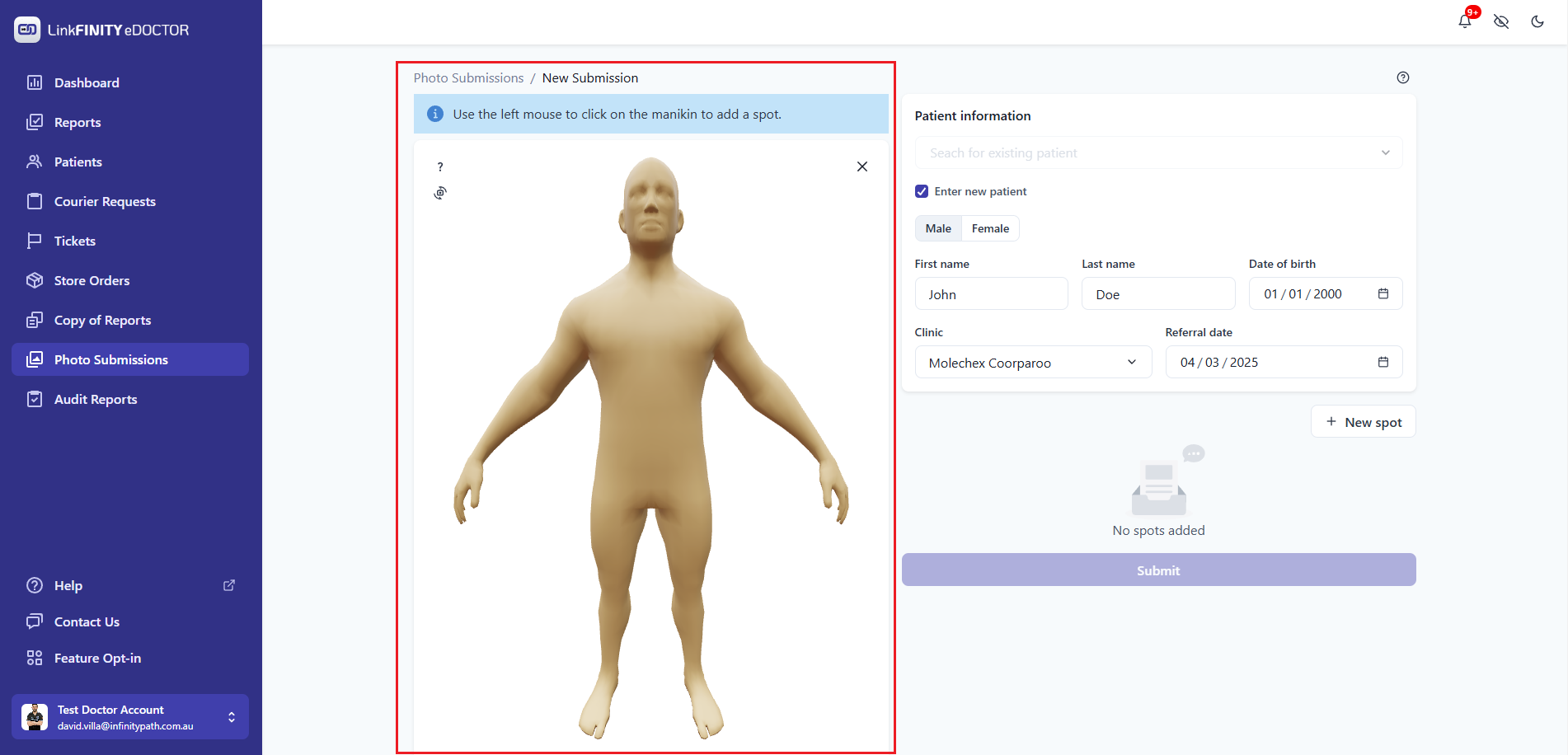
Add Spots:
Upload Photos for Each Spot:
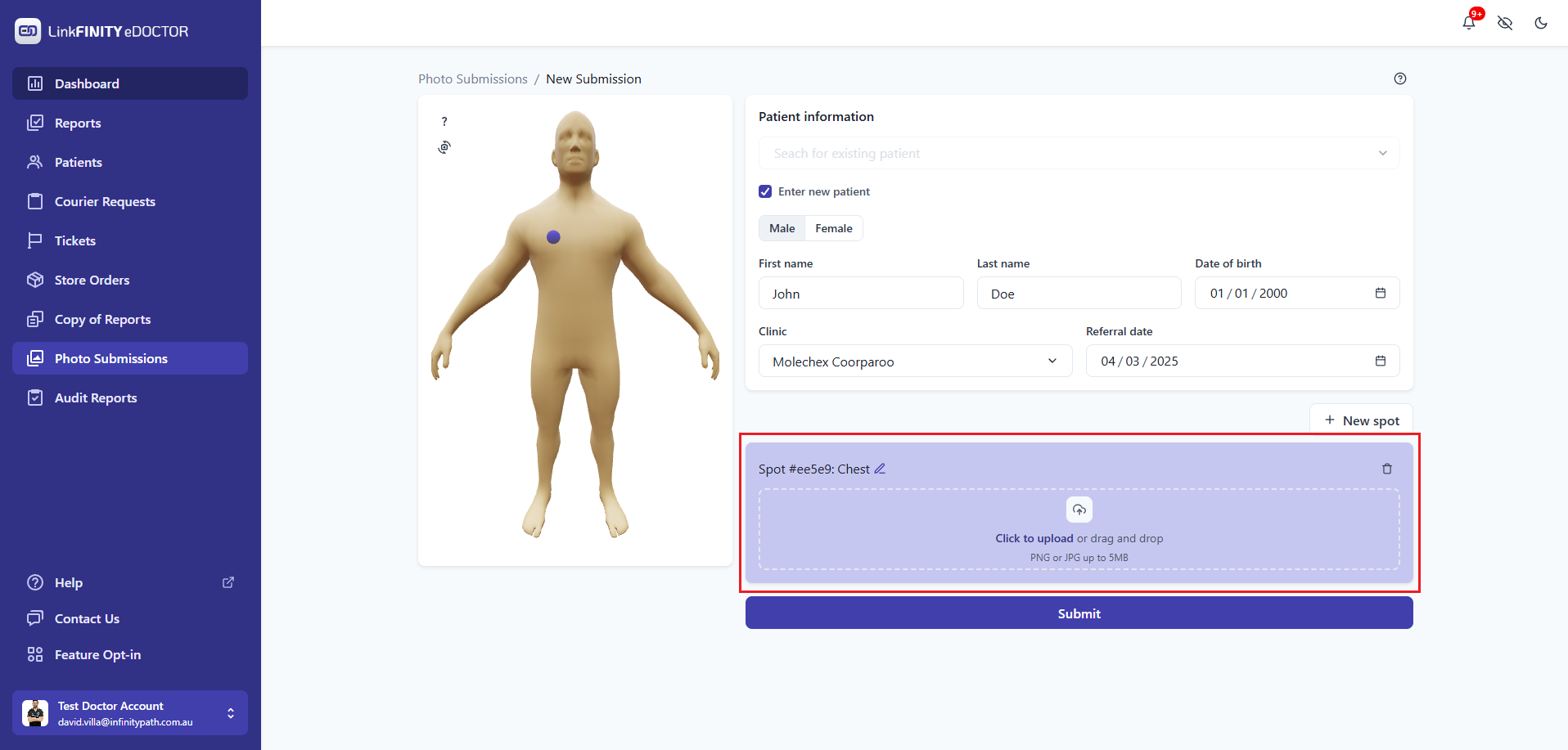
Submit dialoguethe boxSubmission: toOnce eitheryou've takeadded newall photosspots and choose ones from your gallery. You can add one or more photos for each site.

5. Once all photos have been added, select Upload Photos button atuploaded the bottomrelevant ofphotos, click the screen."Submit" button.
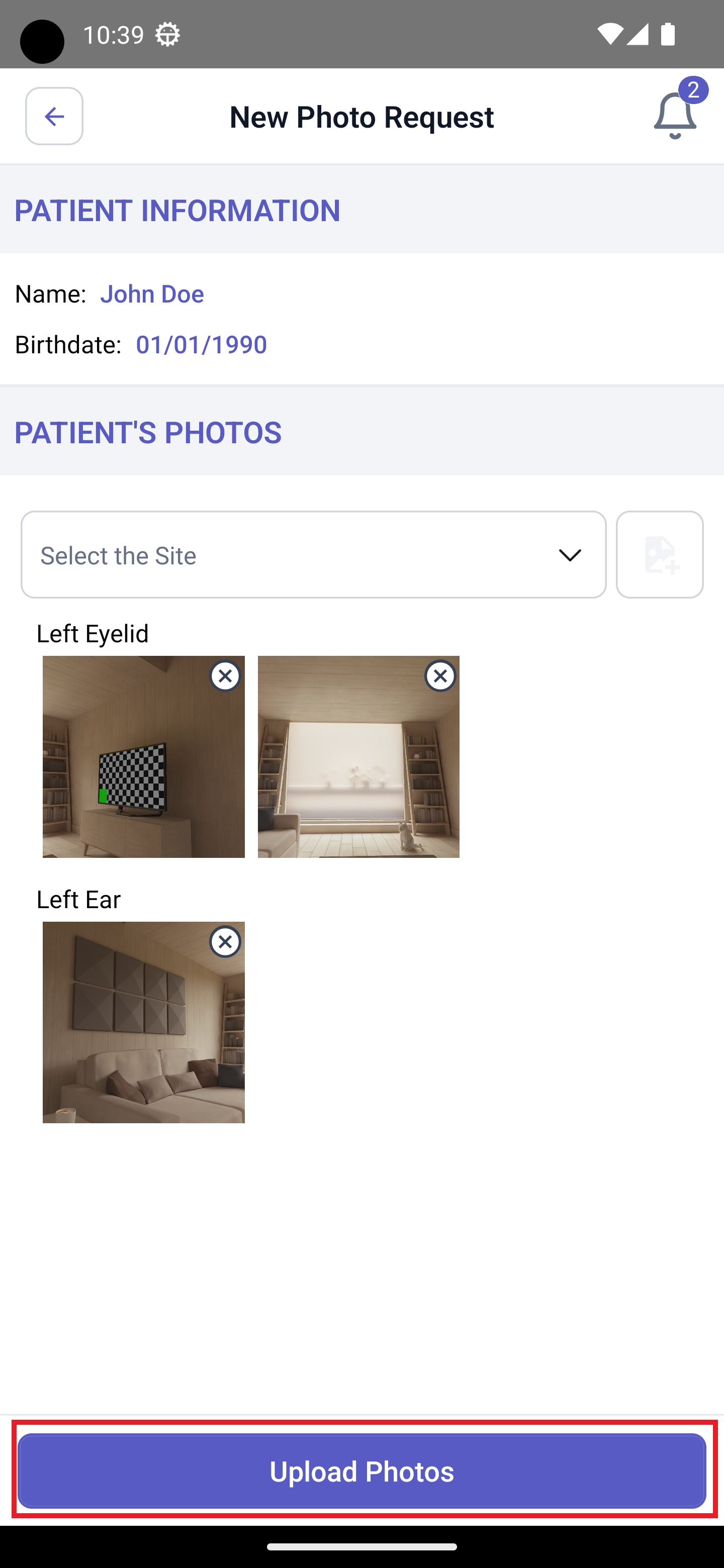
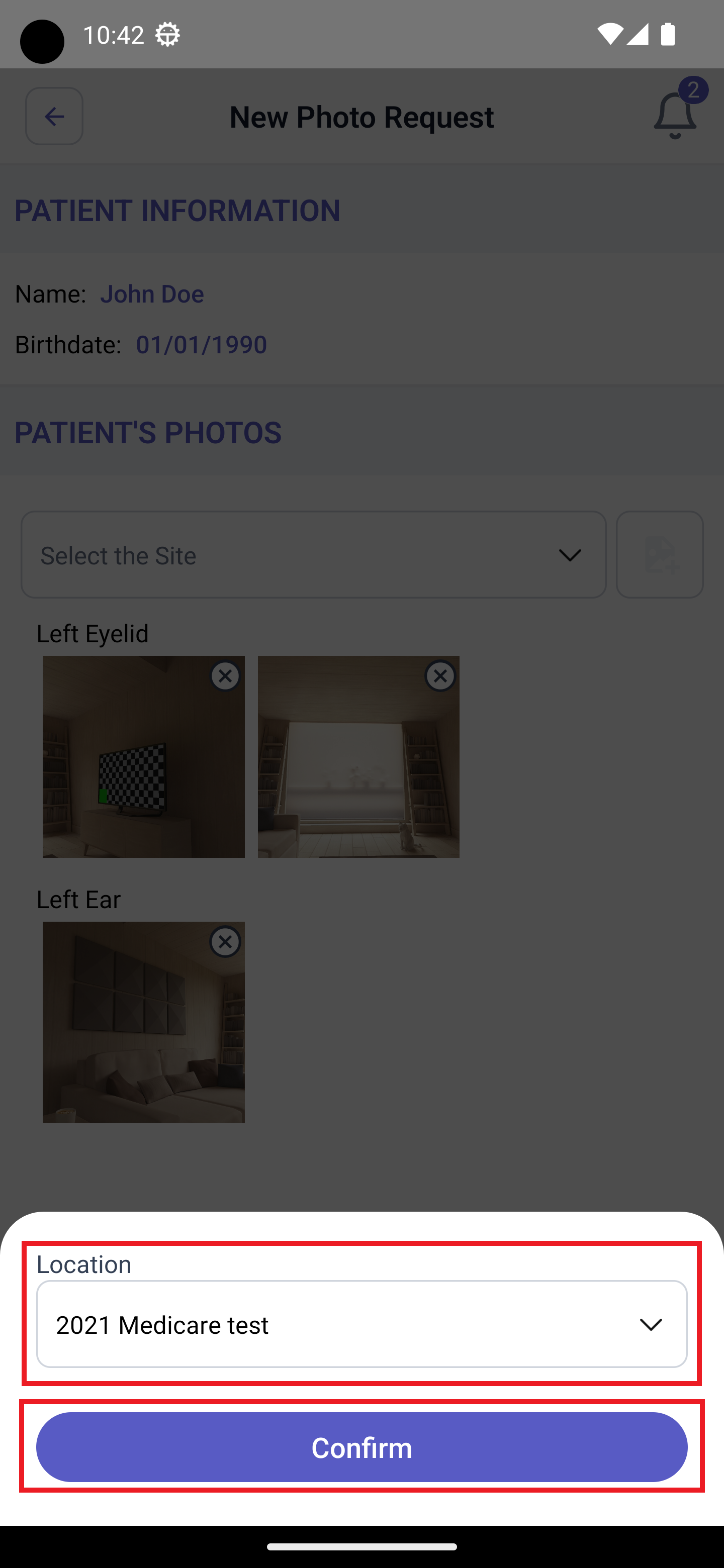
6. If you have multiple locations, you need to select one from the dropdown list and then click Confirm to submit the photos