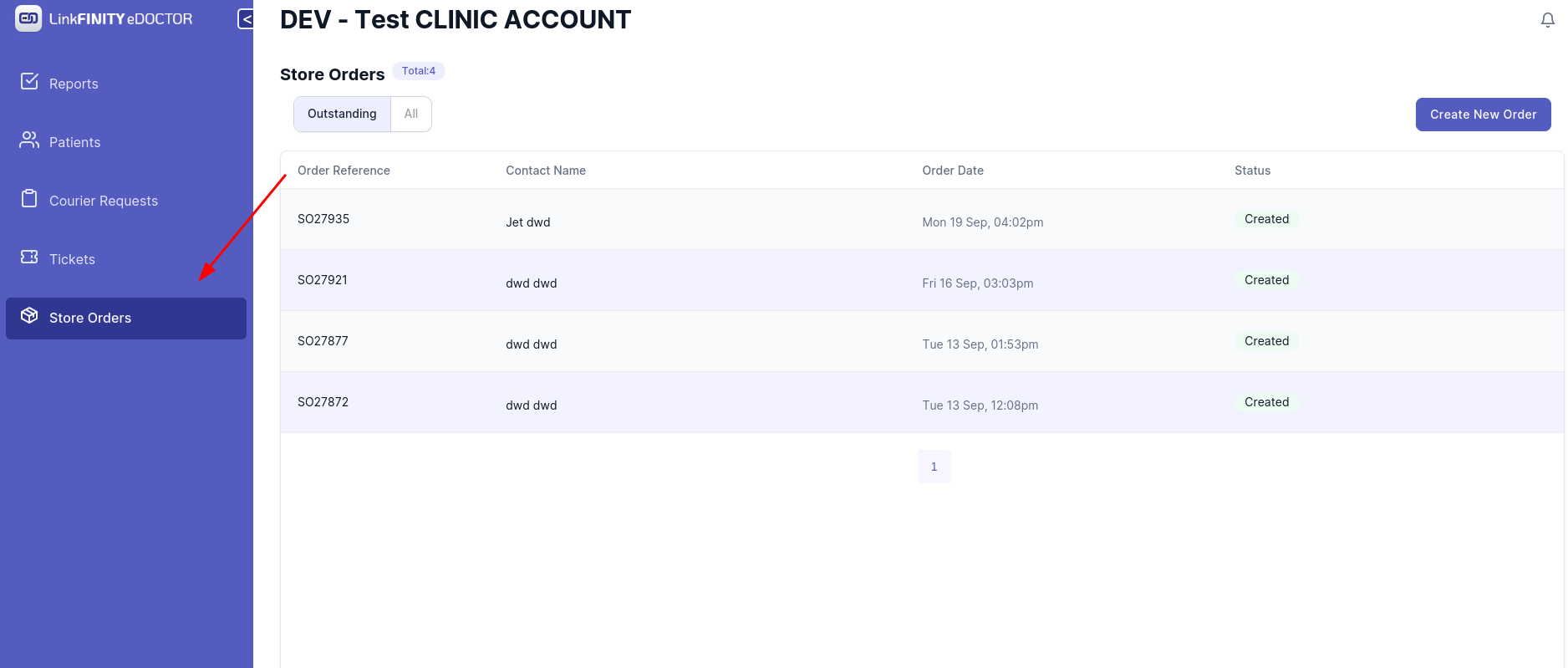
How to make store order
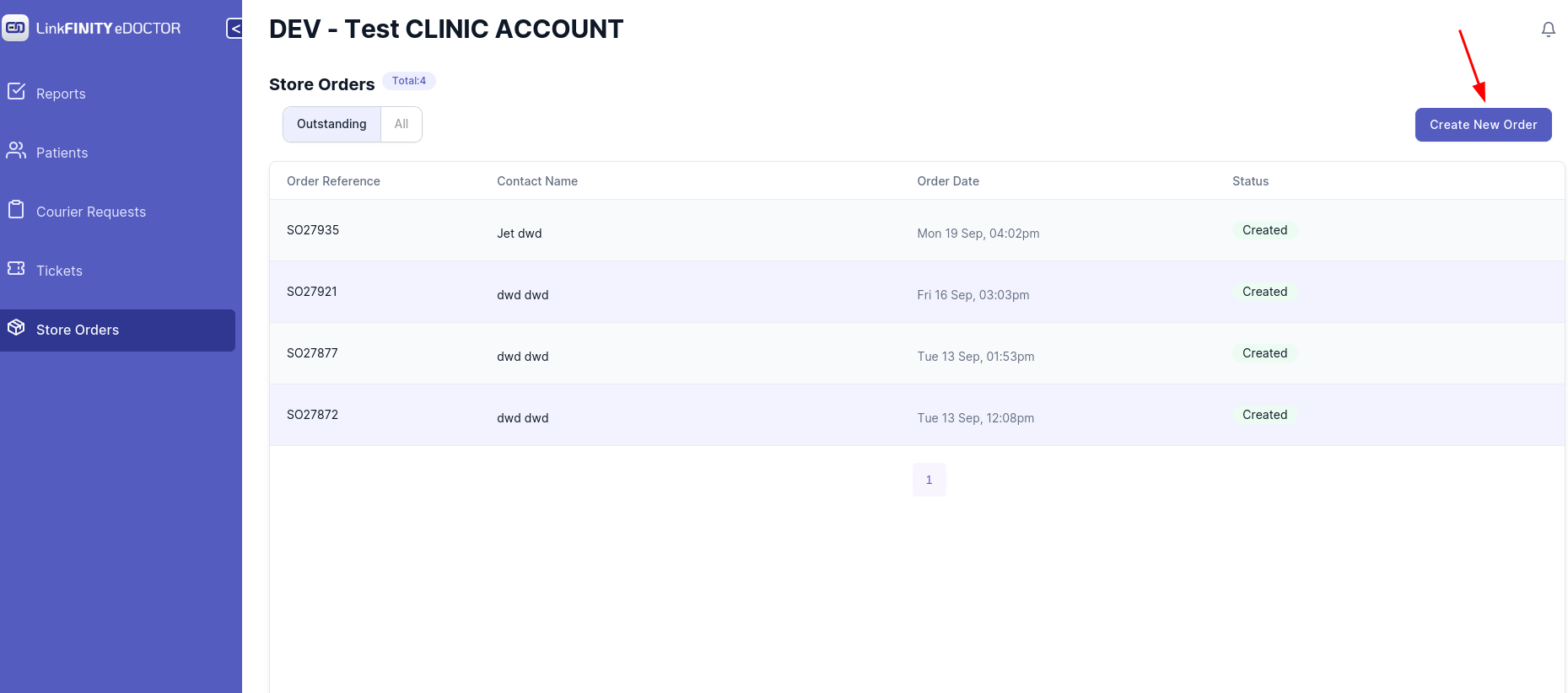
2. Click on `Create New Order` Button
3. This Page should be showing
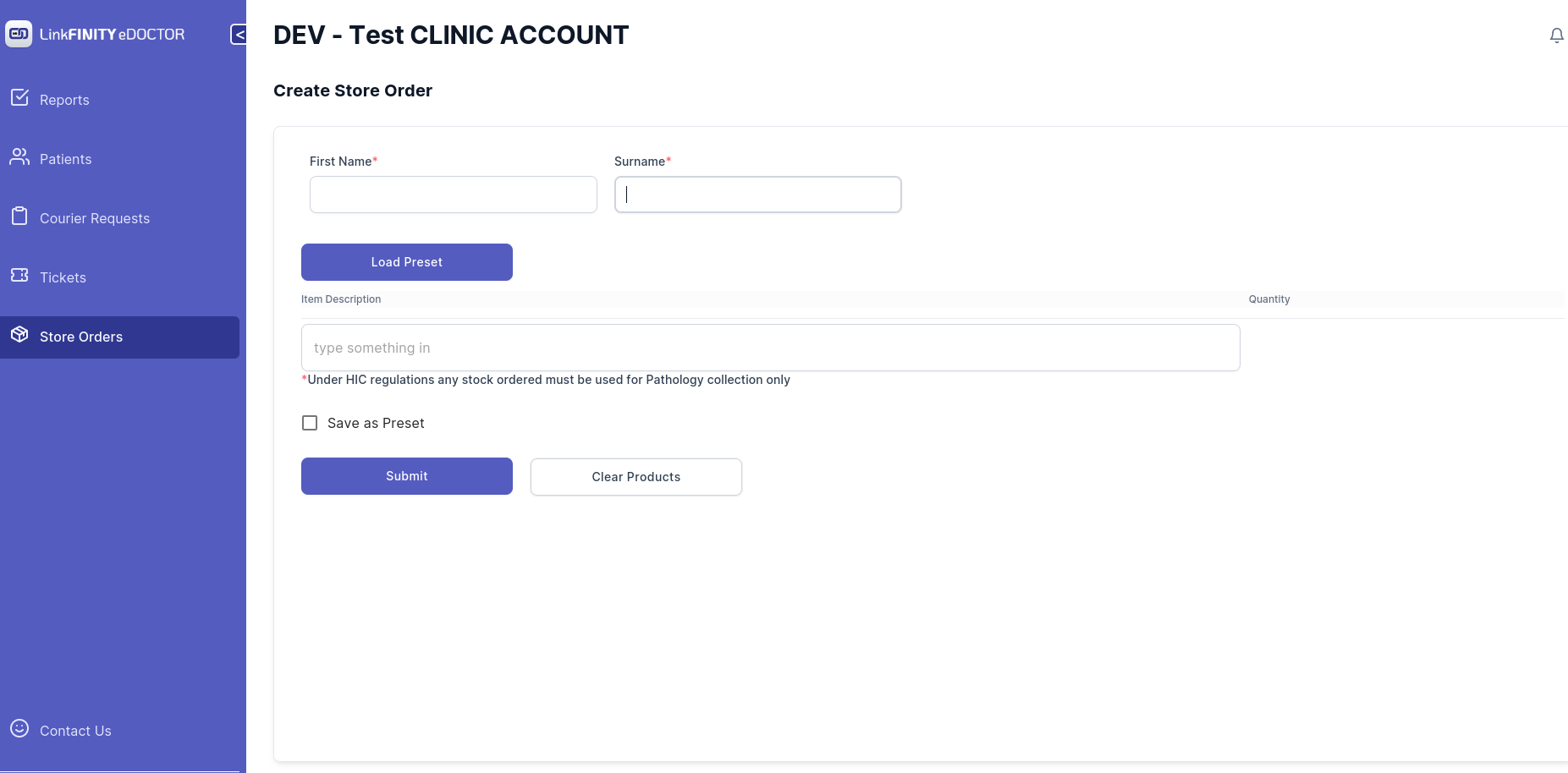
4. Type in your First Name and Surname in corresponding text box
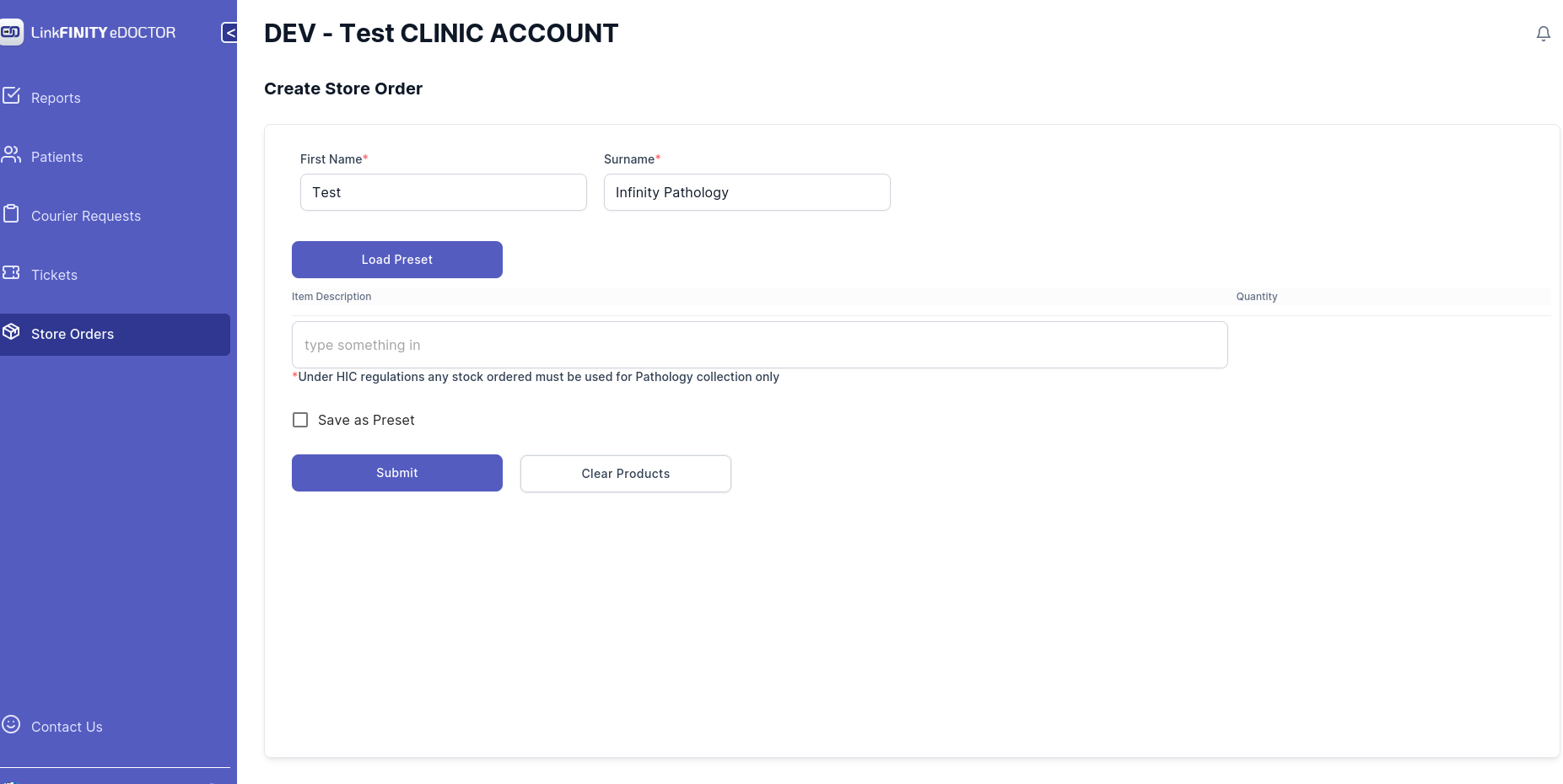
5. Start Typing in the search box
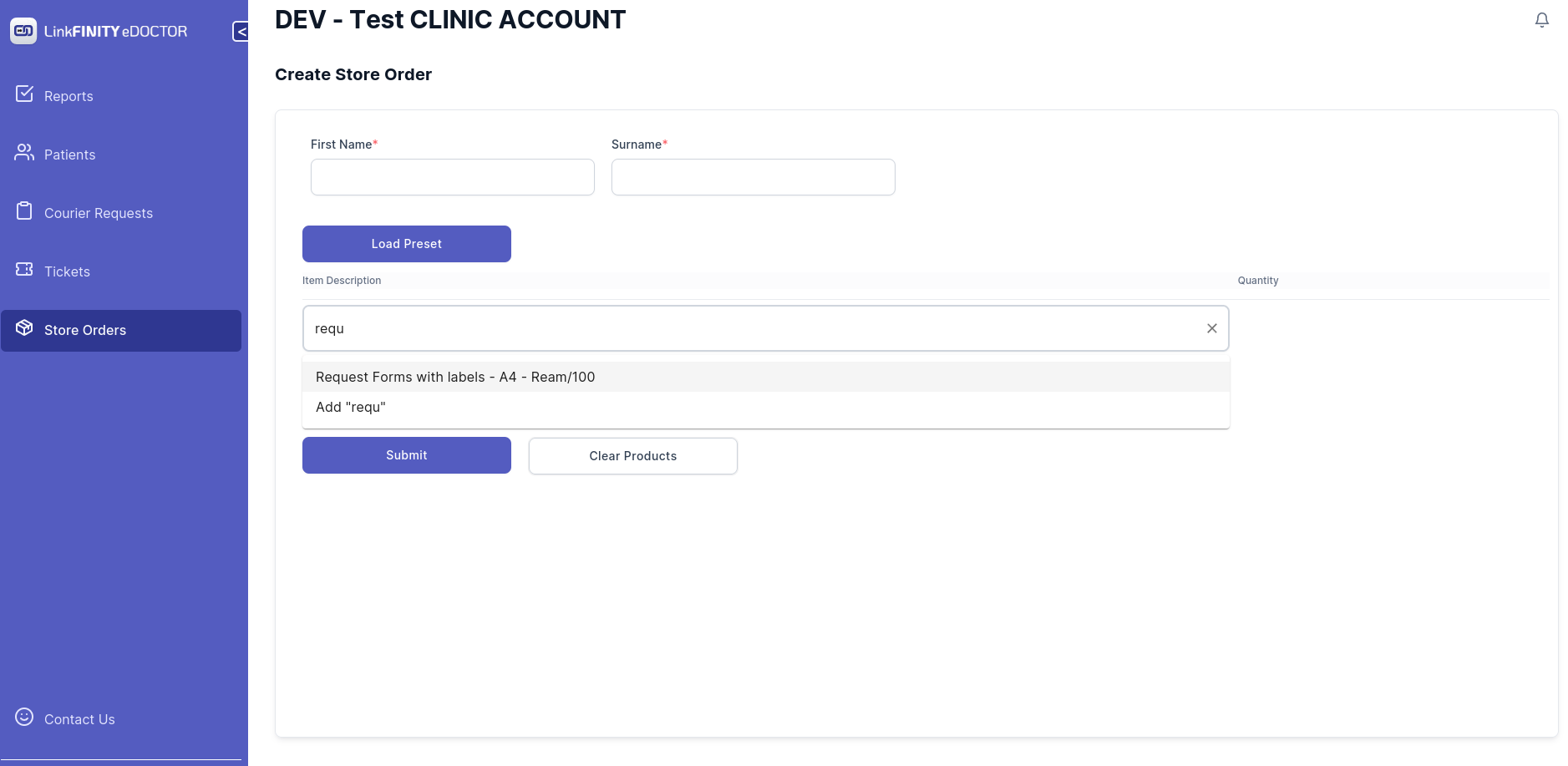
6. use mouse to left click on the product or hit enter key on your keyboard to select the product
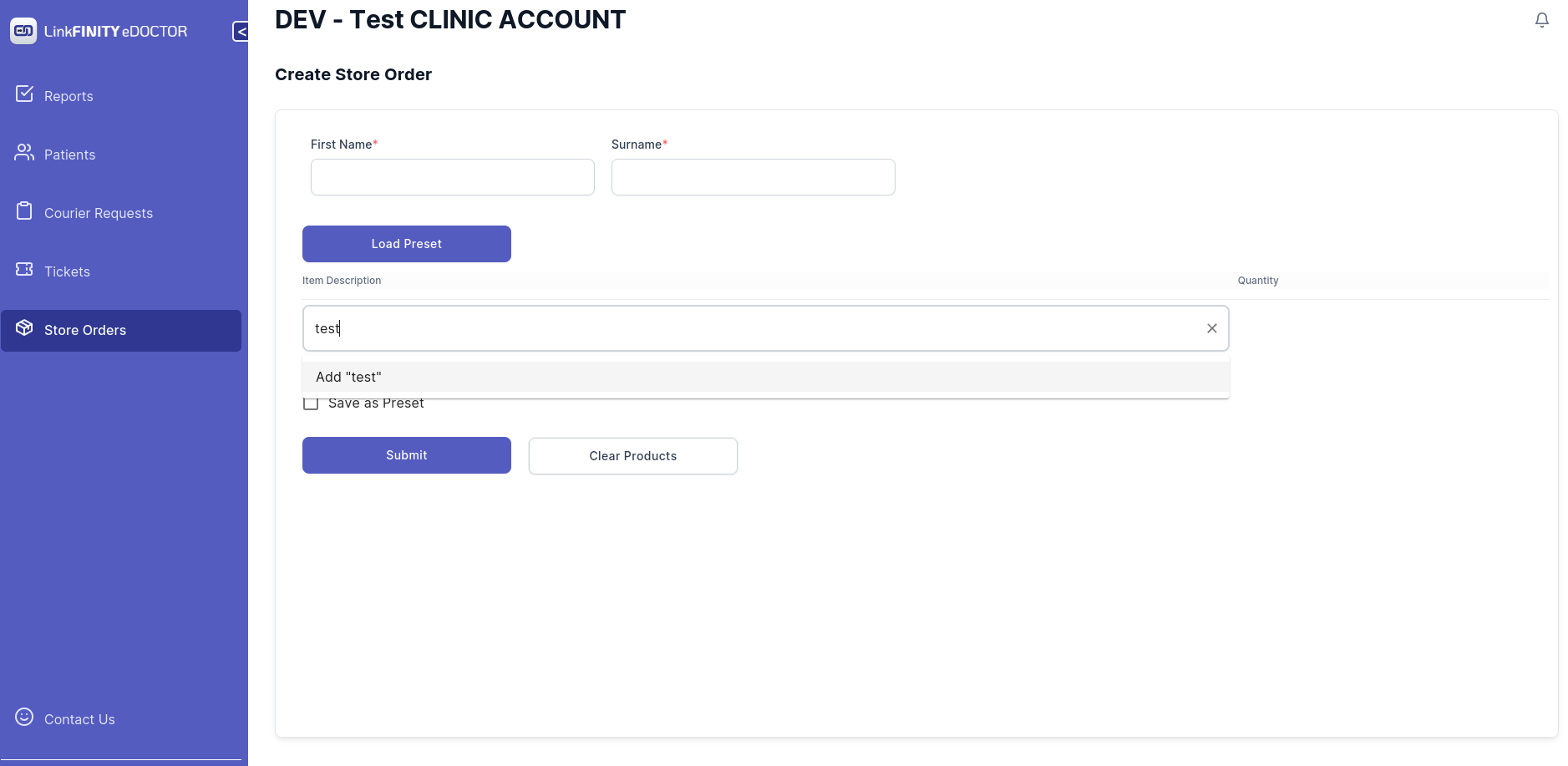
7. If the product happens to be not in the list. an option would pop up saying `Add ProductName`
use mouse to click it or just hit enter key on your keyboard to select
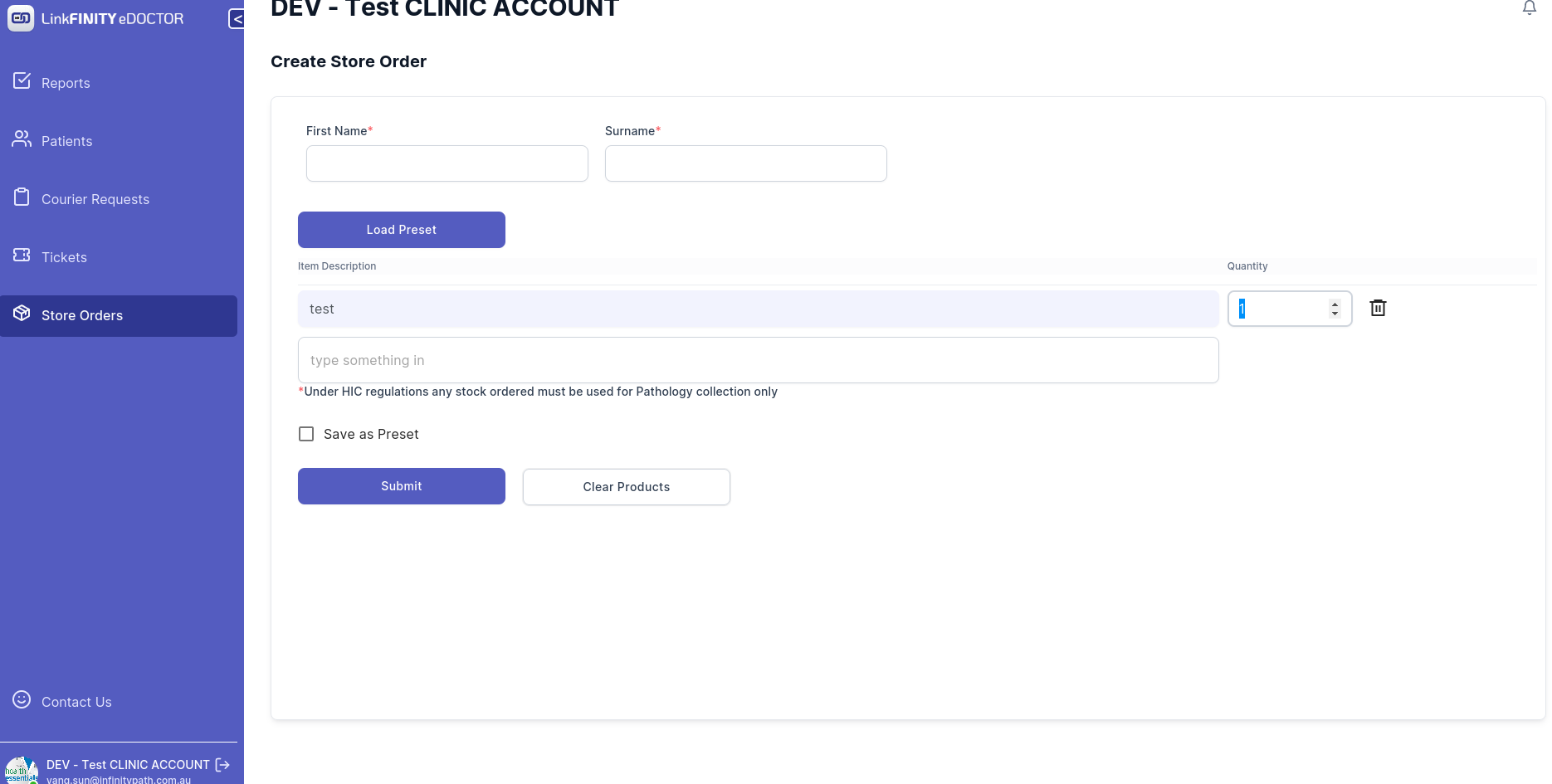
8. repeat the process and once you get all the products you need.
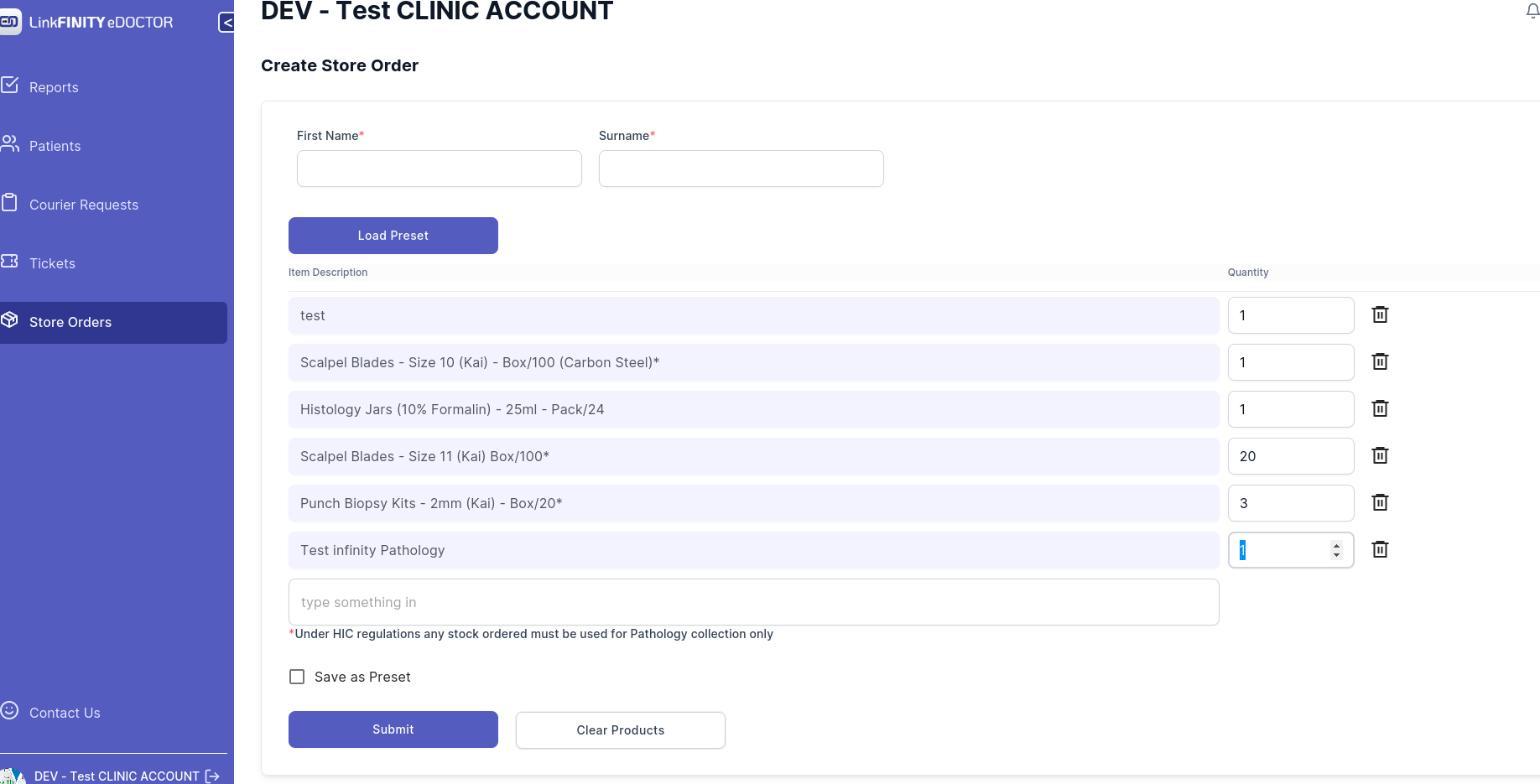
9. Click on submit button
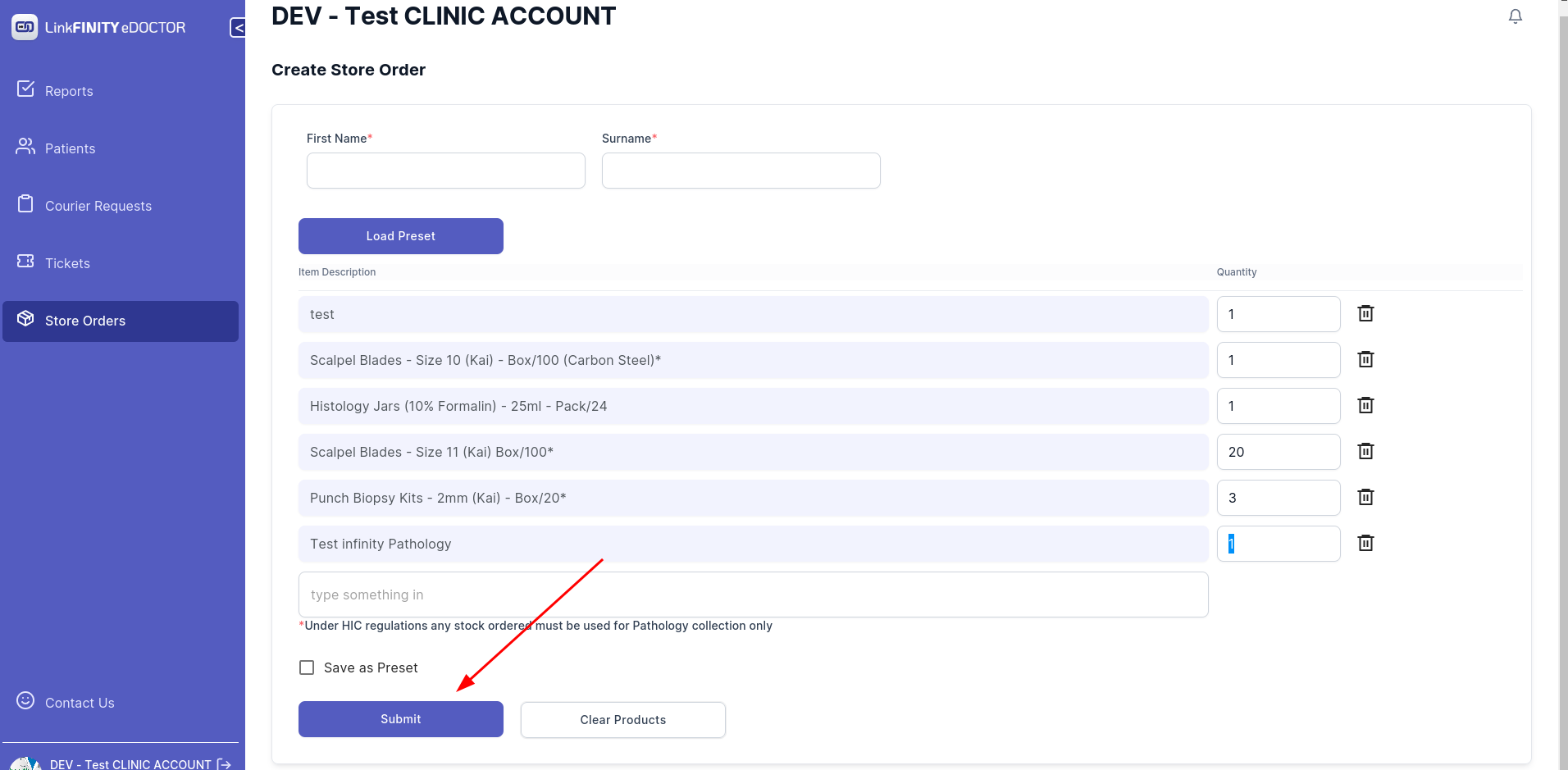
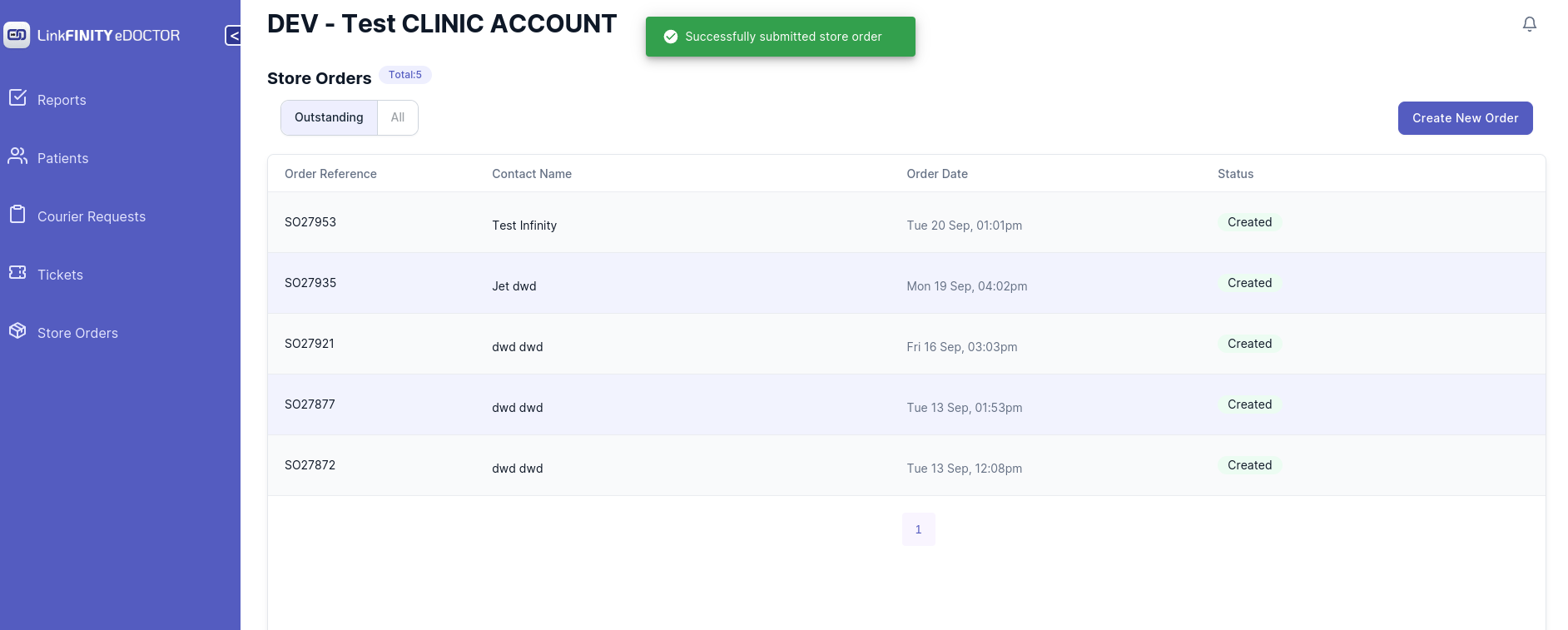
10. If you get below message that means the order has been submitted successfully. if you encountered a problem.
please contact edoctor.infinitypath.com.au