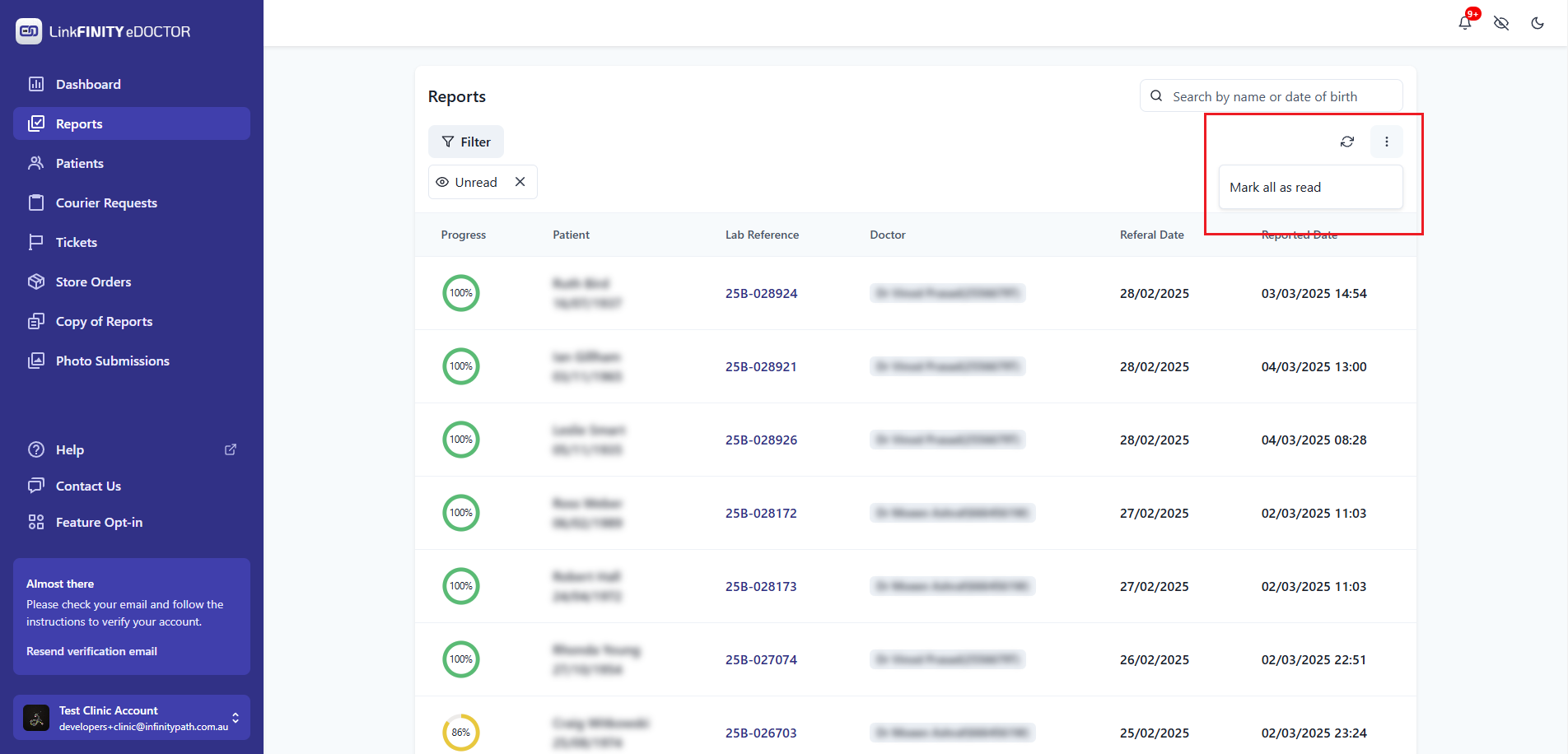
Mark All Reports as Read
Navigate to the Reports Section:
On the left sidebar menu, click on the "Reports" tab.
Open the Menu:
Look for the three vertical dots icon "..." near the search bar on the right-hand side of the Reports section, and click on it.
Select "Mark all as read":
From the dropdown menu, choose the "Mark all as read" option.
Revision #2
Created 2022-05-26 16:35:21 UTC by Admin
Updated 2025-03-04 14:59:37 UTC by Admin